Token Preview
Console View
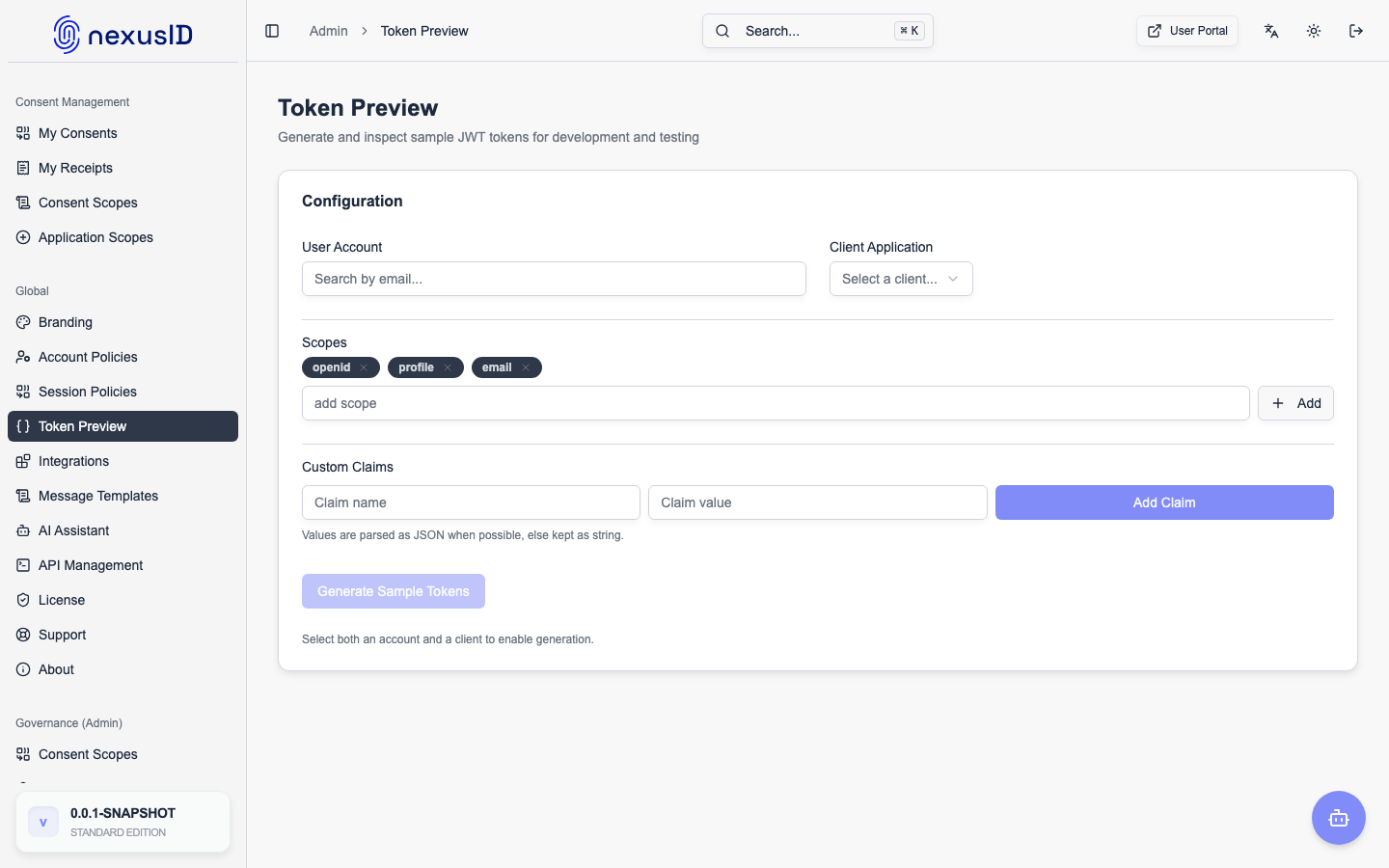
Token Preview is a diagnostic tool that allows administrators to simulate an authentication flow and inspect the resulting tokens.
How to Use
- Navigate to Global Configuration > Token Preview.
- Select an Application (RP Client).
- Select a User.
- (Optional) Select scopes and grant type.
- Click Preview.
Output
The tool displays:
- ID Token: The exact JSON payload.
- Access Token: The scopes and claims included.
- Mappers: Which attribute mappers were applied.
This helps debug missing claims or incorrect scope configurations without needing to perform a real login.