Applications
Console View
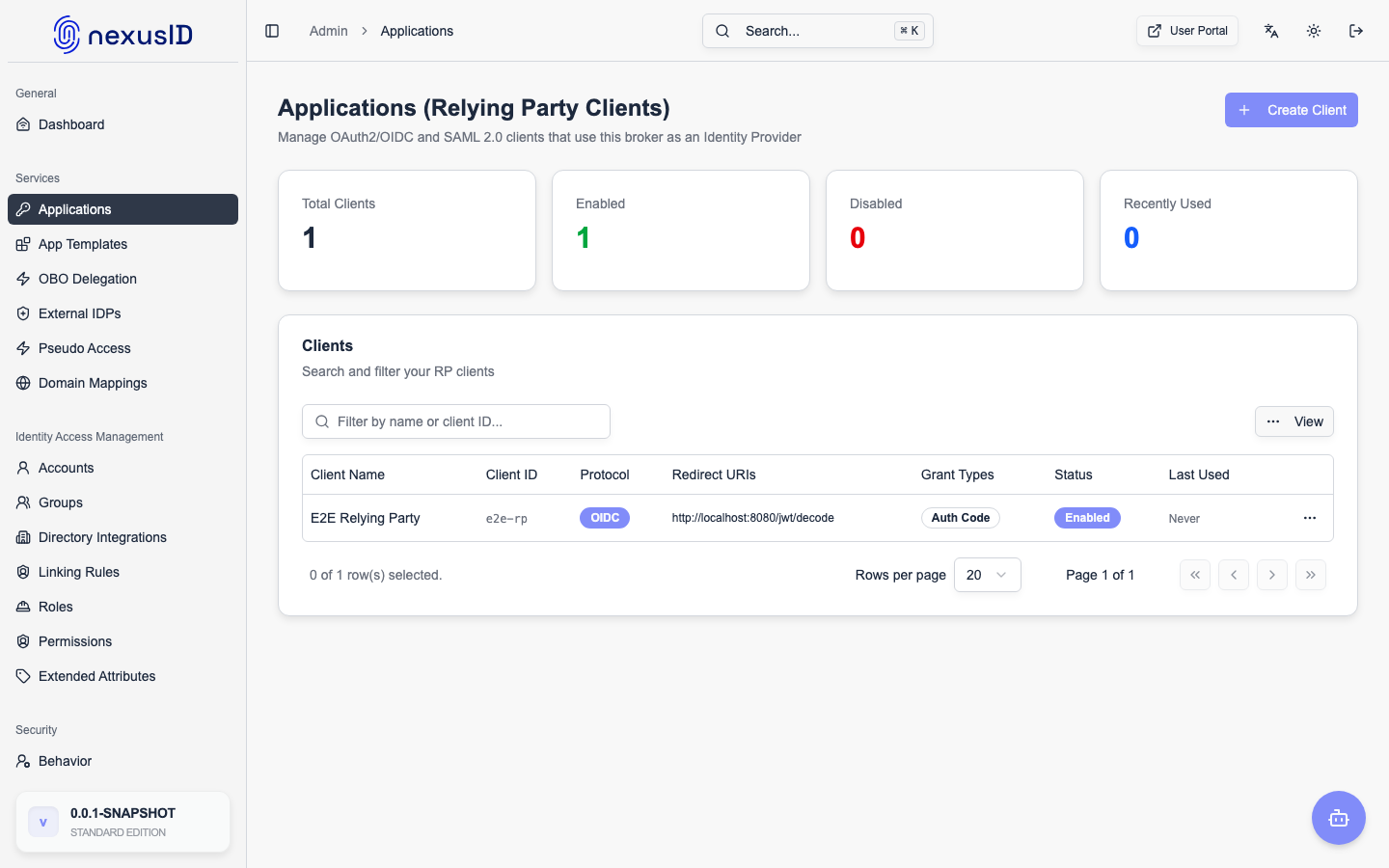
Applications (also known as Relying Parties or Clients) are the software systems that rely on Identity Broker for user authentication and authorization.
Managing Applications
You can view and manage all integrated applications from the Services > Applications page.
- Create New: Add a new application manually.
- From Template: Use an existing template (Salesforce, Slack, etc.) to quickly onboard an app.
- Status: Enable or disable application access instantly.
Application Types
- Web Applications: Server-side apps that can securely store a client secret.
- Single Page Applications (SPA): JavaScript apps running in the browser (using PKCE).
- Native/Mobile Apps: iOS or Android apps.
- Service-to-Service: Backend services using Client Credentials flow.
For detailed configuration of OAuth2 and OIDC settings, refer to RP Clients.