Domain Mappings
Console View
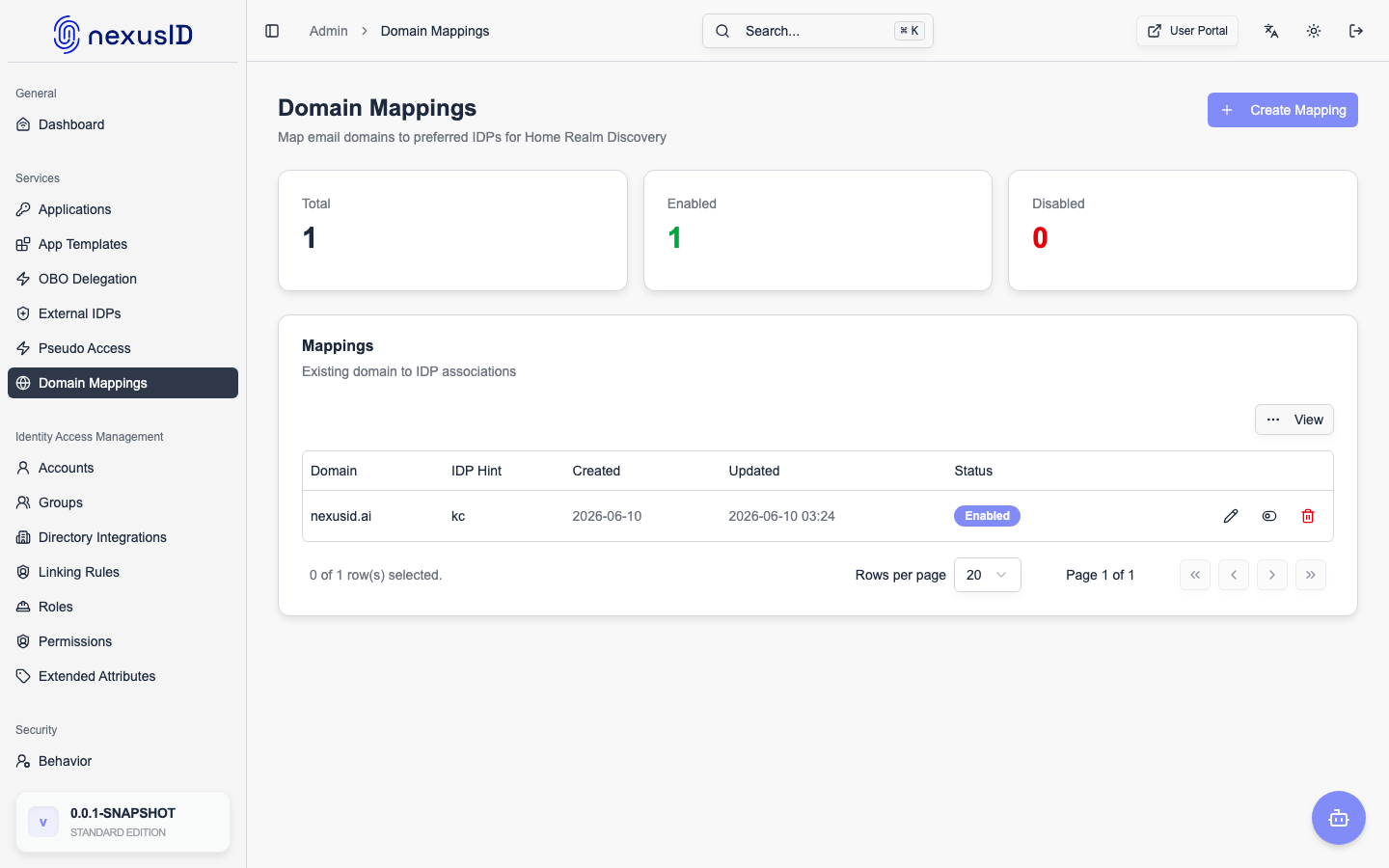
Domain Mappings power Home Realm Discovery (HRD) by associating user email domains with the correct Federated Identity Provider (IDP).
This enables Identity Broker to automatically route users to the correct tenant or provider during authentication without manual selection.
Domain Mappings Overview
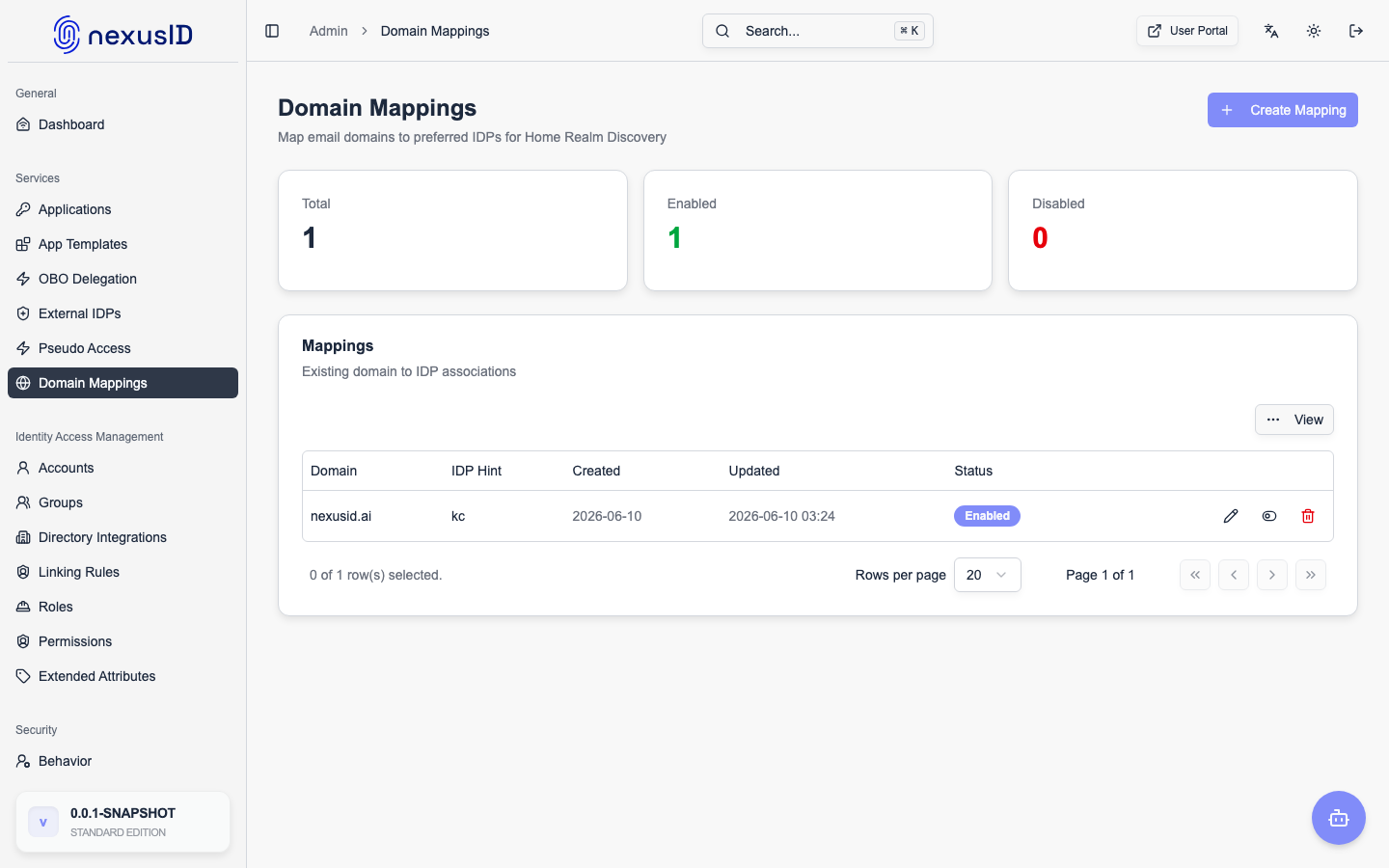
The Domain Mappings screen displays all configured email domain associations used during login.
Each mapping determines which identity provider handles authentication for users belonging to a specific email domain.
What Is a Domain Mapping?
A Domain Mapping links: email domain → federated identity provider Example:
| Email Domain | Routed IDP |
|---|---|
| company-a.com | Entra ID (Tenant A) |
| company-b.com | Entra ID (Tenant B) |
| partner.org | External IDP |
This mechanism is the foundation for multi-tenant authentication.
Mapping Table Columns
Domain
The email domain portion (after @) used to identify the user’s organization.
user@company.com → company.com
IDP Domain Hint
The domain hint or identifier associated with the federated IDP.
This value is internally used to: • Select the correct tenant • Build upstream authentication requests • Avoid ambiguous provider selection
Status
ndicates whether the mapping is active: • Enabled – Mapping is applied during authentication • Disabled – Mapping exists but is ignored
Created
The date when the mapping was added.
Useful for auditing and change tracking.
Actions
Available actions for each mapping: • Edit – Modify domain or associated IDP • Delete – Permanently remove the mapping