Access Packages
Console View
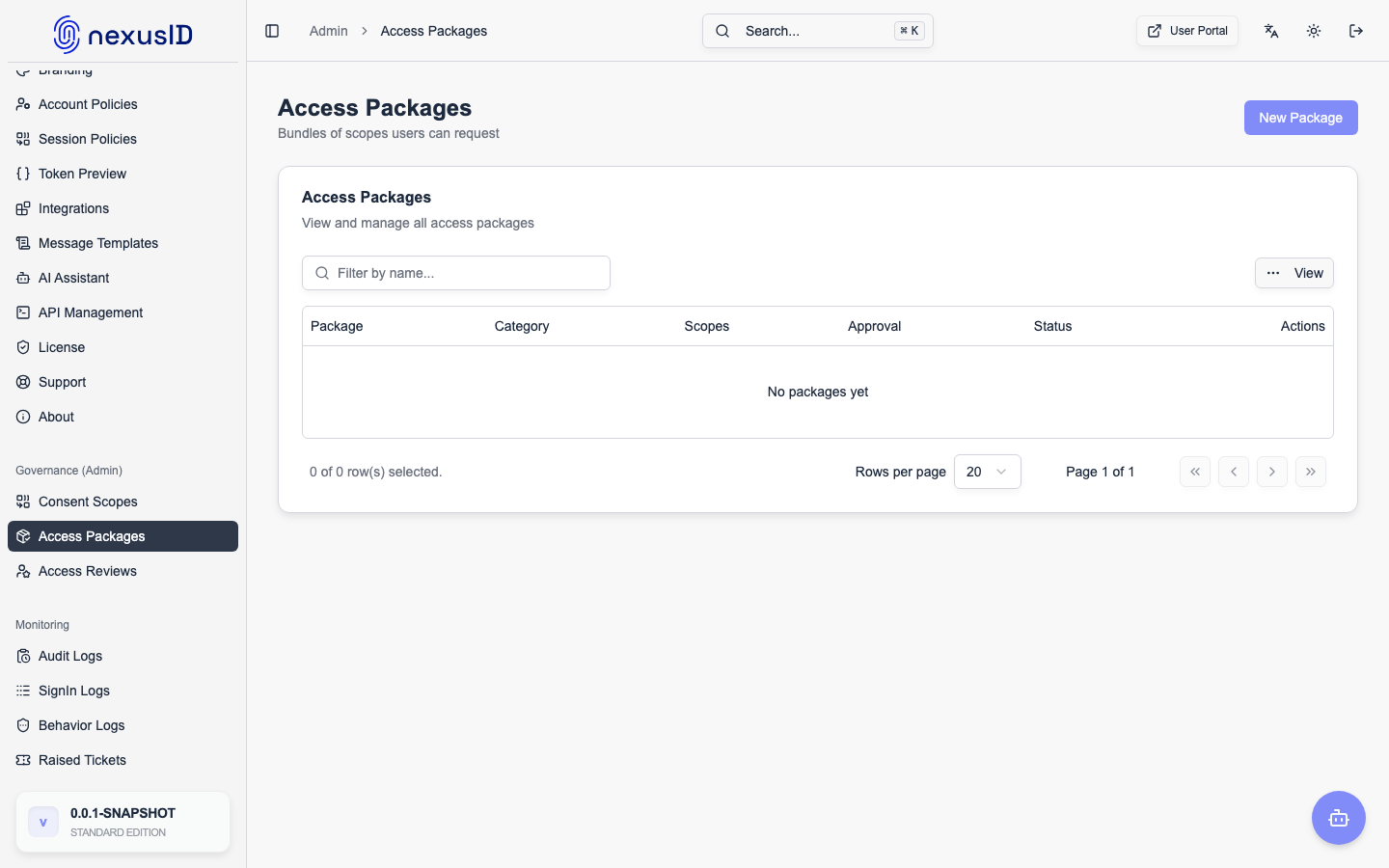
Access Packages bundle together multiple permissions, roles, and group memberships into a single requestable item. This simplifies onboarding and access management.
Use Cases
- "New Employee" Package: Contains "Email Access", "HR Portal Access", and "Wi-Fi Group".
- "Developer" Package: Contains "GitHub Access", "AWS Dev Role", and "Jira Access".
Workflow
- Admin creates an Access Package (bundle of scopes/entitlements) and marks it active. Optionally attach an approval chain or enable auto-approve, and set a default/maximum duration.
- User requests the package from the User Portal — Request Access → Access Packages tab (
/portal/request-access). They pick a package, add an optional justification, and submit. - System logs the request to the tamper-evident audit trail and emails the requester a confirmation. If the package auto-approves, it is granted immediately; otherwise it enters the approval chain (or a single-level admin review) and the request shows as Pending.
- Approver (manager or admin) approves or denies it from the admin Access Requests queue.
- System grants all bundled resources on approval (with expiry if a duration was set) and emails the requester the outcome — approved or denied, with the reviewer's note.
Self-service everywhere
The same Request Access page also lets users request app roles and individual entitlements — each with the same audit → notify → approve/deny lifecycle.
Licensing
Access packages and the self-service request experience are part of Access Governance — available on the Premium and Enterprise tiers (and during the trial). On lower tiers the request catalog is empty.