Creating & Managing Objects
Creating things in nexusID always works the same way: open the list, click New, fill the form, Save, and the new item shows up in the list. Editing and deleting are the row actions next to each item. The short clips below show the create→verify flow end-to-end (sign-in → create → it appears → sign-out).
Create a Role
A role bundles permissions you can assign to people.
Create a Group
Groups collect users for bulk assignment and dynamic membership rules.
Create an Access Package
An access package is a requestable bundle of roles/permissions for self-service access.
Create a User Account
Add a person directly (most accounts arrive automatically via provisioning — see the Provisioning tour).
Relying Parties & Identity Providers (wizards)
Two objects use a multi-step wizard instead of a single form, because they have more to configure:
-
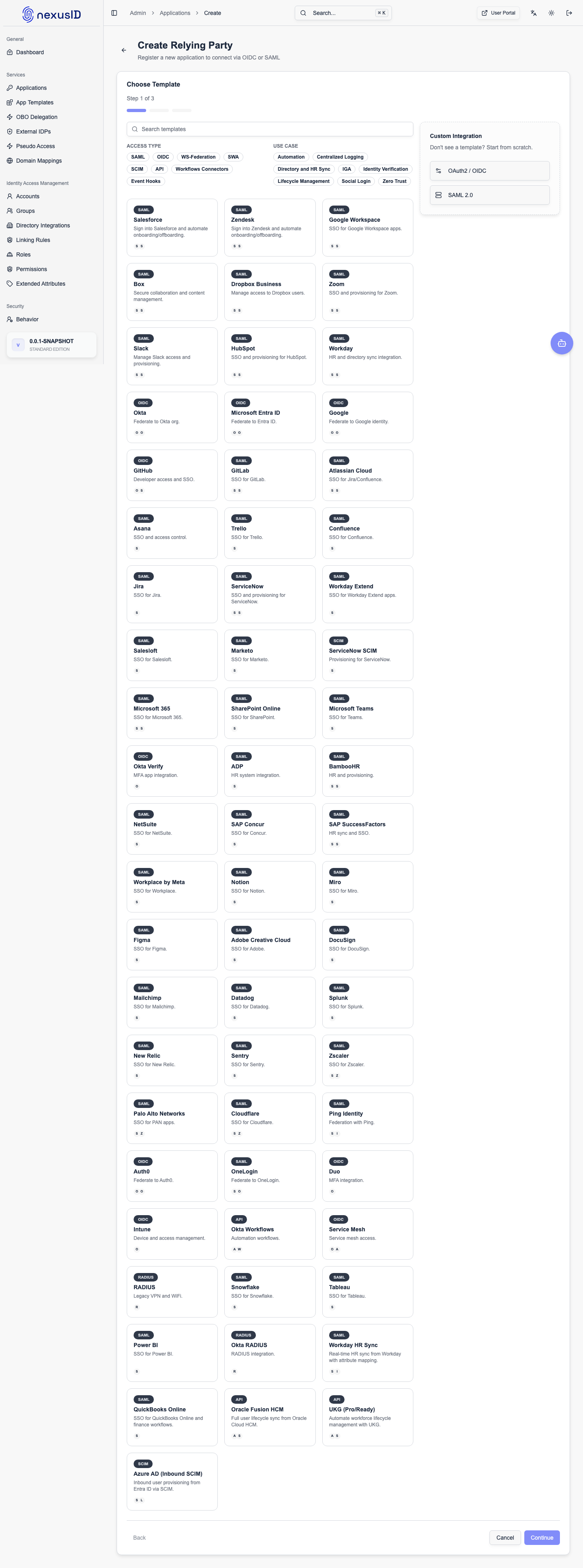
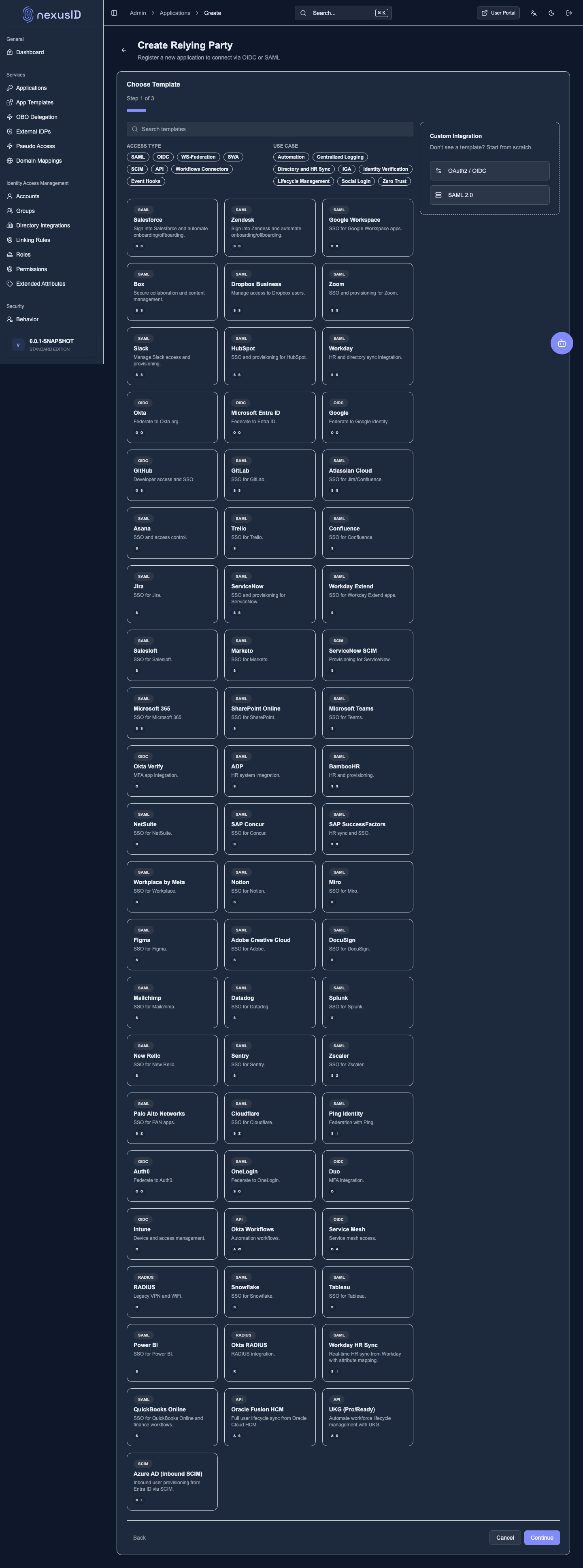
Relying Party (application) — register an app that trusts nexusID for sign-in.
-
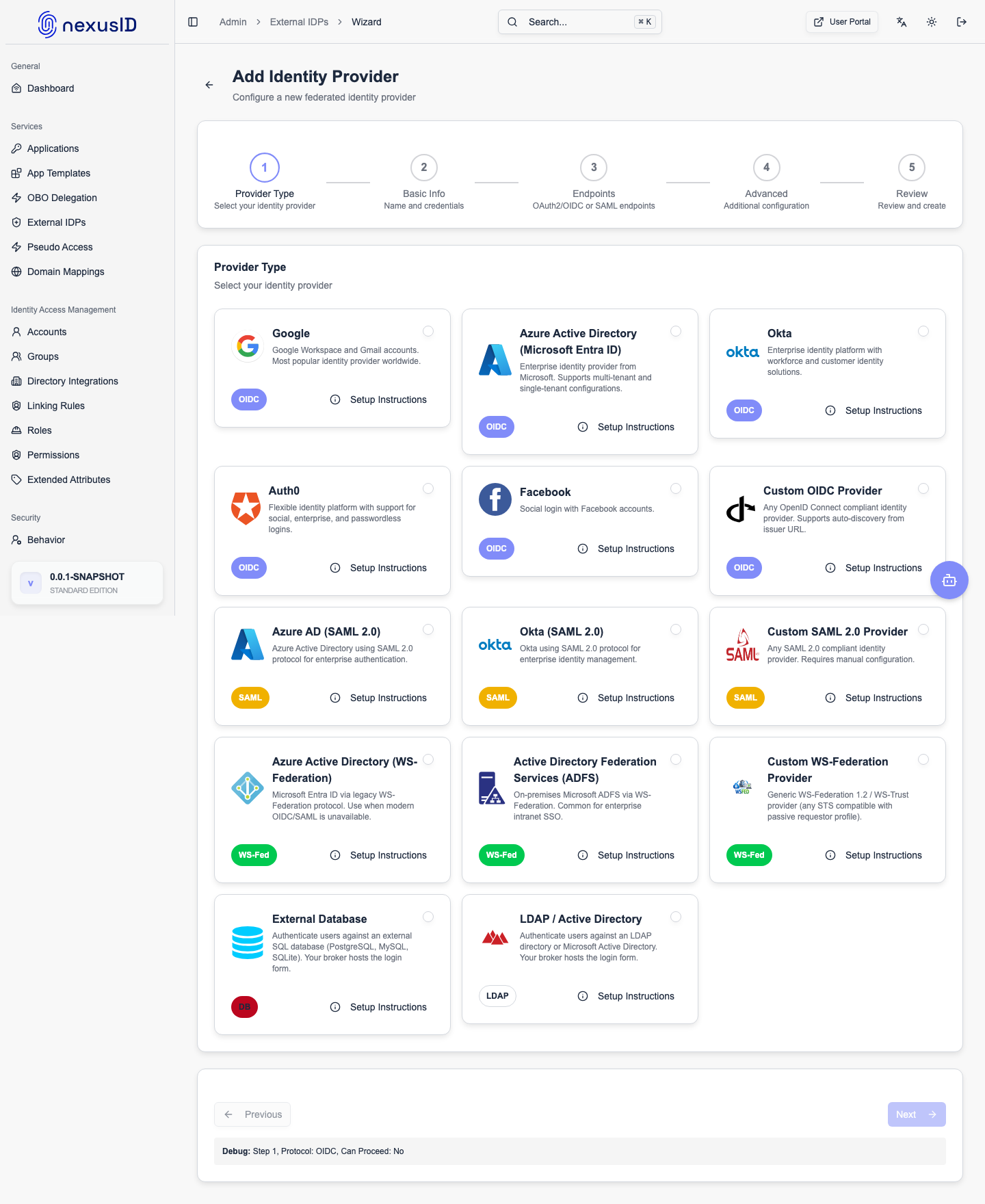
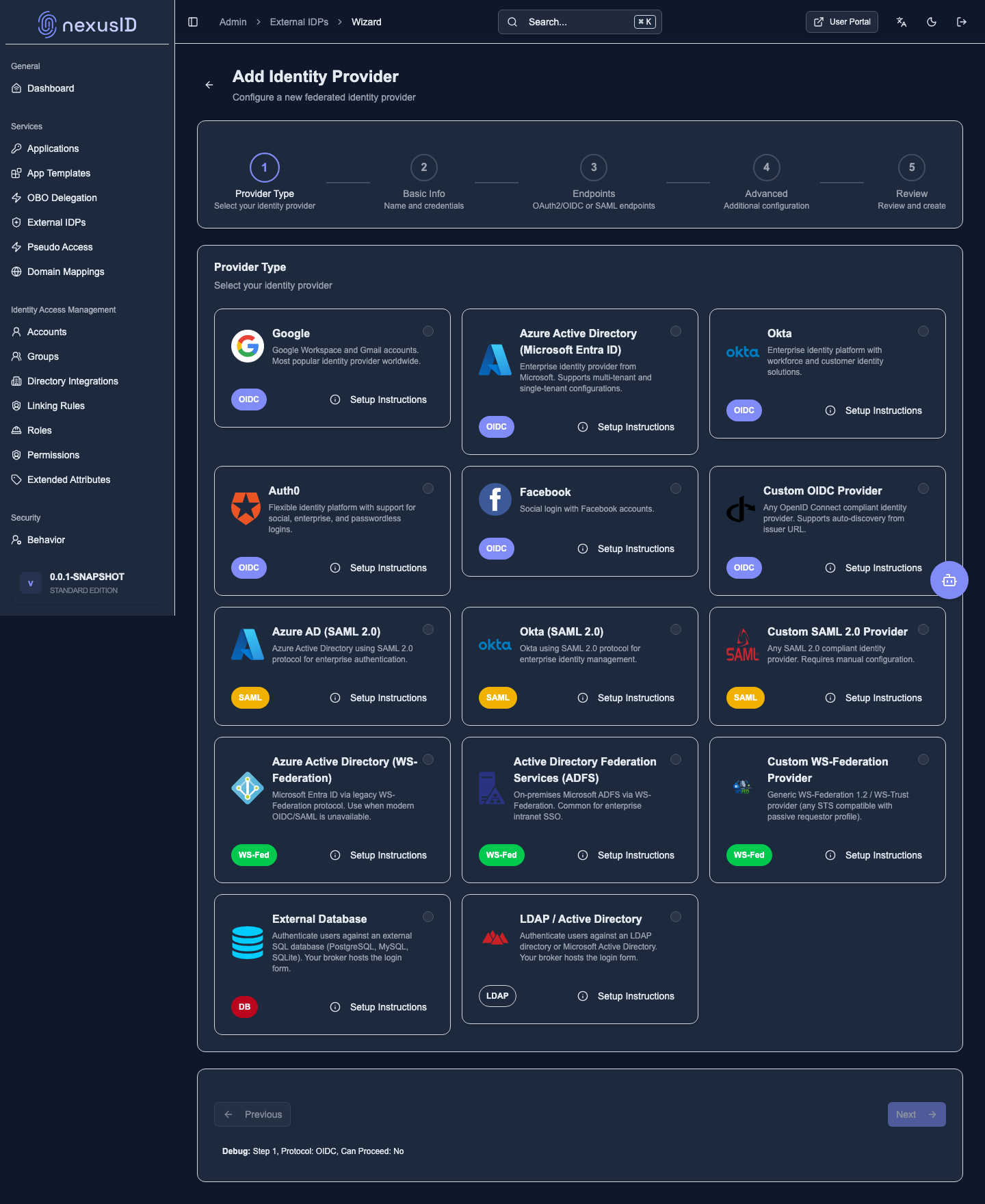
Identity Provider — connect an upstream IdP (OIDC/SAML) to federate to.
Detail: Applications / RP clients · Federated IdPs