HRD Diagnostics
The HRD (Home Realm Discovery) Diagnostics page helps administrators debug, validate, and understand how users are routed to identity providers based on their email domain.
This screen is especially useful in multi-tenant enterprise environments where multiple identity providers and domain mappings exist.
Overview
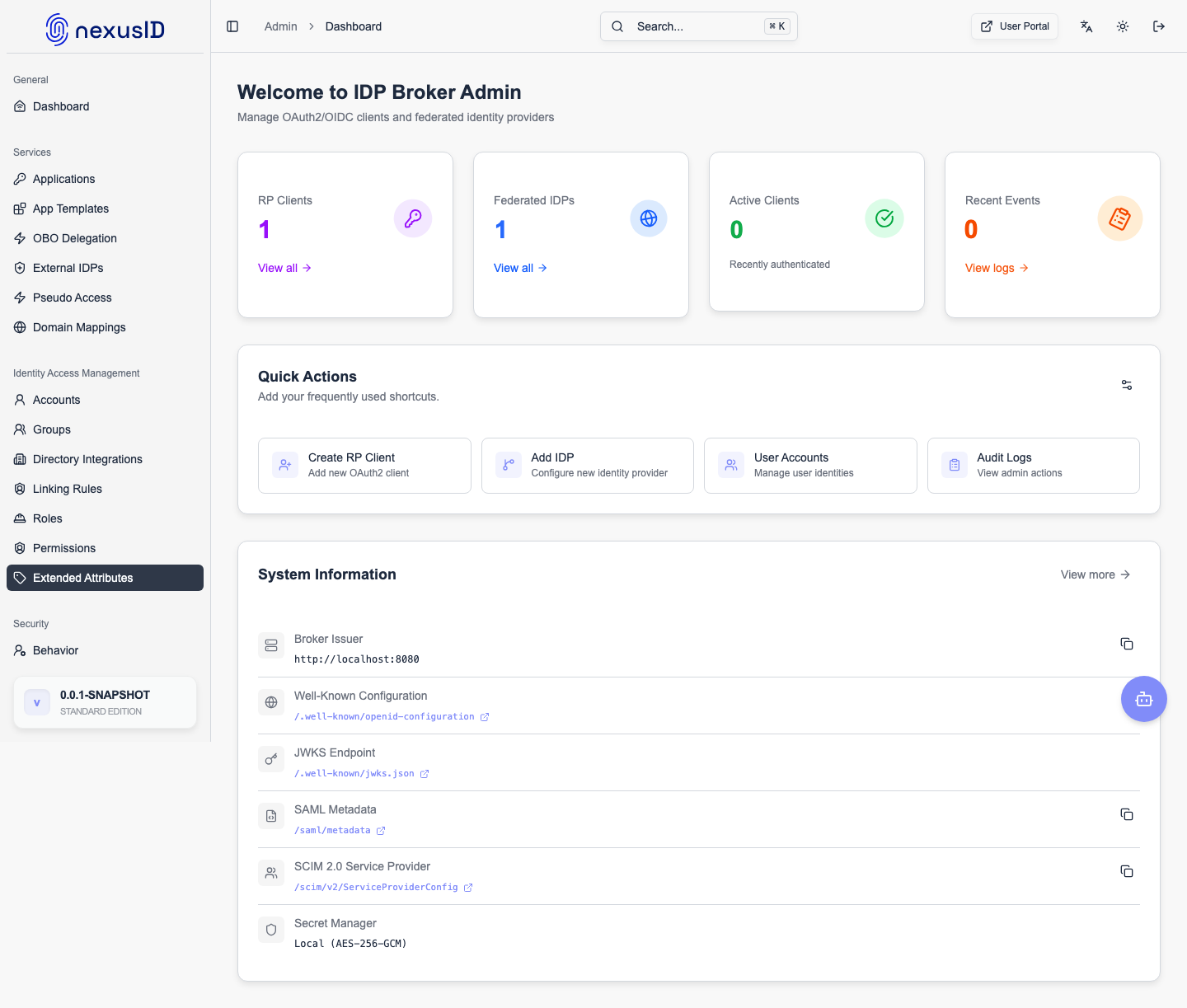
HRD Diagnostics provides real-time visibility into:
- Email-to-domain resolution
- Domain-to-IdP mappings
- Active IdP configurations
- Routing behavior before authentication starts
Test Email Lookup
The Test Email Lookup tool allows you to simulate how a user will be routed during sign-in.
How It Works
- Enter an email address (for example:
user@company.com) - Click Test Lookup
- The system evaluates:
- The email domain
- Matching domain mappings
- Associated IdP domain hint
- Enabled/disabled status
This allows administrators to verify routing without performing a real login.
Domain Mappings Section
This section shows all configured email domain mappings used for HRD.
Columns Explained
-
Domain
The email domain extracted from the user’s email address. -
IdP Domain Hint
The logical identifier used to route authentication requests to the correct identity provider. -
IdP Config ID (Legacy)
Displayed for backward compatibility. New systems rely on domain hints instead. -
Enabled
Indicates whether the domain mapping is currently active.
Use Case
This table helps answer:
- “Which IdP will handle users from this domain?”
- “Is this domain currently active for authentication?”
IdP Configurations Section
This section lists all configured identity providers that participate in HRD.
Columns Explained
-
Name
Friendly name of the identity provider. -
Domain Hint
Value passed during authentication to select the IdP. -
Provider Type
Type of identity provider (for example: Azure AD, OIDC-compatible provider). -
Enabled
Whether this IdP is available for routing. -
Config ID
Internal identifier for the IdP configuration.
This view confirms that domain mappings point to valid, enabled providers.
Common Troubleshooting Scenarios
User Redirected to Wrong Identity Provider
- Verify domain mapping for the user’s email domain
- Confirm the IdP domain hint matches the provider configuration
- Ensure both mapping and provider are enabled
User Not Redirected (HRD Fails)
- Check if the email domain exists in Domain Mappings
- Validate IdP configuration is active
- Use Test Email Lookup to trace resolution step-by-step
Multiple Tenants, Same Provider
- Ensure each tenant has a unique domain hint
- Avoid overlapping domain mappings unless intentionally shared
Best Practices
- Always test new domain mappings using Test Email Lookup
- Keep domain hints short, unique, and meaningful
- Disable unused mappings instead of deleting them
- Use HRD Diagnostics before rolling changes into production
When to Use HRD Diagnostics
- After adding a new enterprise customer
- After configuring a new IdP
- When users report incorrect login redirects
- During incident response for authentication issues
The HRD Diagnostics page is a critical operational tool for ensuring reliable and predictable authentication routing in complex, multi-tenant identity environments.