Attribute Mapping
Console View
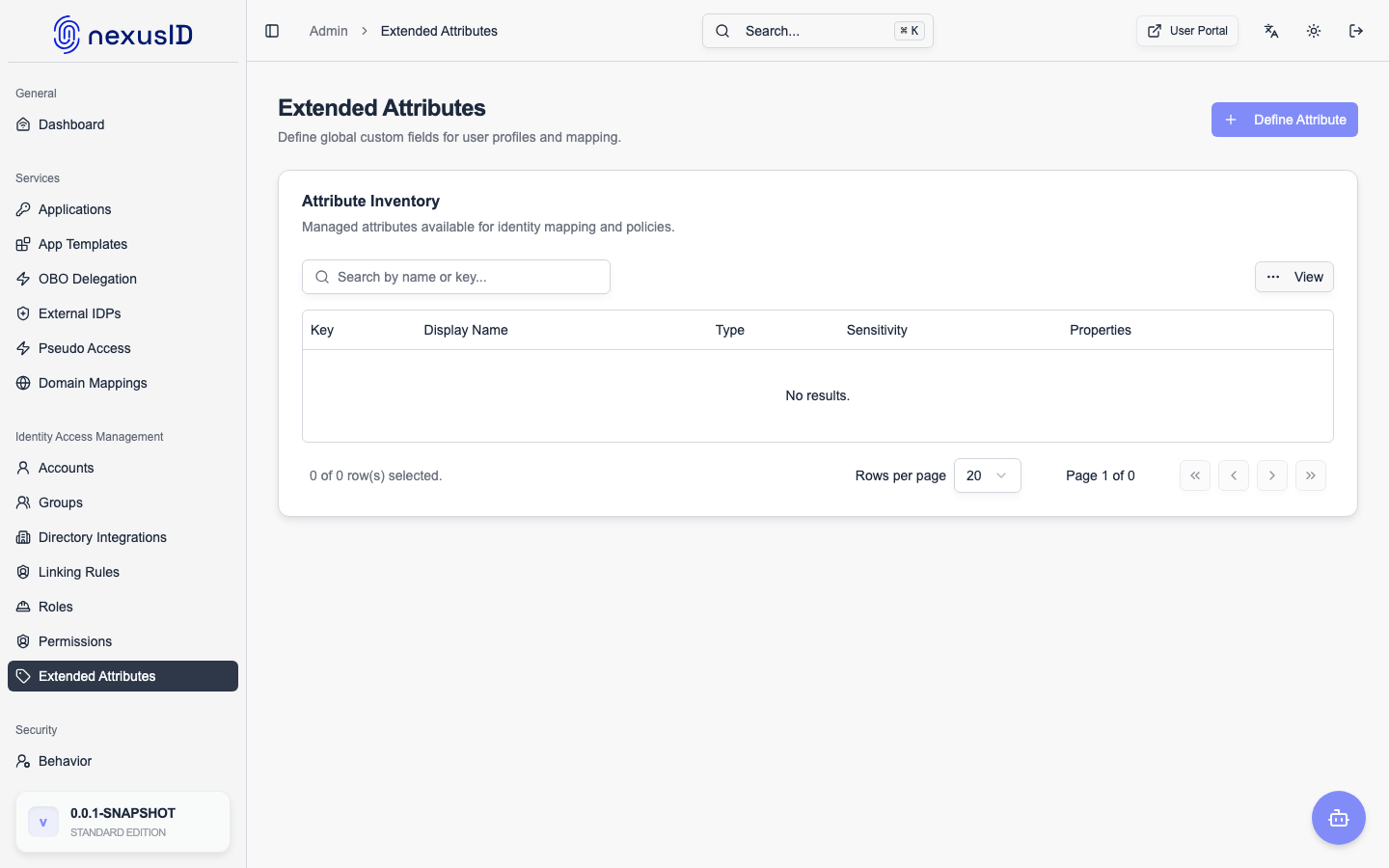
Attribute Mapping is a core feature of the Identix IDP Broker that allows you to transform, rename, and enrich user claims as they pass through the broker. This ensures that downstream Relying Party (RP) applications receive identity information in the exact format they expect, regardless of how the upstream Identity Provider (IDP) provides it.
Why use Attribute Mapping?
- Normalization: Ensure consistent claim names (e.g., mapping
upnfrom Azure AD andemailfrom Google to a singleemailclaim). - Enrichment: Add static values (e.g.,
tenant_id) to all tokens issued for a specific IDP configuration. - Transformation: Modify attribute values using expressions (e.g., converting group names to lowercase).
- Security: Filter out sensitive upstream claims that shouldn't be exposed to the RP.
Mapping Types
Identix supports several types of mapping:
1. DIRECT Mapping
The simplest form of mapping where a source attribute is copied directly to a target attribute.
- Example:
oid(Azure AD) →external_id(RP)
2. STATIC Mapping
Assigns a fixed, static value to a target attribute for every user authenticating through that IDP.
- Example:
source_system="AzureAD"
3. TRANSFORM Mapping
Applies a transformation expression to the source attribute before assigning it to the target.
- Example:
groups→EXTRACT_ROLES(groups)
4. RENAME (Alias for DIRECT)
Used primarily for renaming a claim to match standard OIDC naming conventions.
- Example:
unique_name→preferred_username
Configuration Options
Each mapping can be configured with:
- Source Attribute: The name of the claim provided by the upstream IDP.
- Target Attribute: The name of the claim that will be included in the token issued by Identix.
- Default Value: A fallback value if the source attribute is missing or empty.
- Required: If set to true, the authentication will fail if the source attribute cannot be resolved.
- Description: Internal documentation for the mapping.
Standard Claims Support
Identix provides built-in support for all standard OIDC claims, including:
- Identity:
sub,name,given_name,family_name,preferred_username. - Contact:
email,email_verified,phone_number. - Authorization:
groups,roles,permissions,scope. - Infrastructure:
tenant_id,organization,department.
Best Practices
- Use Standard Names: Whenever possible, map custom upstream claims to standard OIDC claim names (
email,name,sub) to ensure compatibility with most RP applications. - Required Attributes: Only mark attributes as
Requiredif your RP application cannot function without them. - Static Tenant IDs: Use
STATICmapping to inject tenant identifiers, which is often easier than managing complex mapping logic in every RP. - Test Your Mappings: Use the Attribute Mapping Preview (if available) or check the Audit Logs to verify that claims are being mapped correctly during authentication.