Permissions
In plain English
A permission is a single thing you're allowed to do (e.g. "view users", "reset MFA"). Permissions are grouped into roles — you rarely hand them out one by one.
📺 Watch the RBAC Guided Tour → — see permissions actually enforcing limits.
Console View
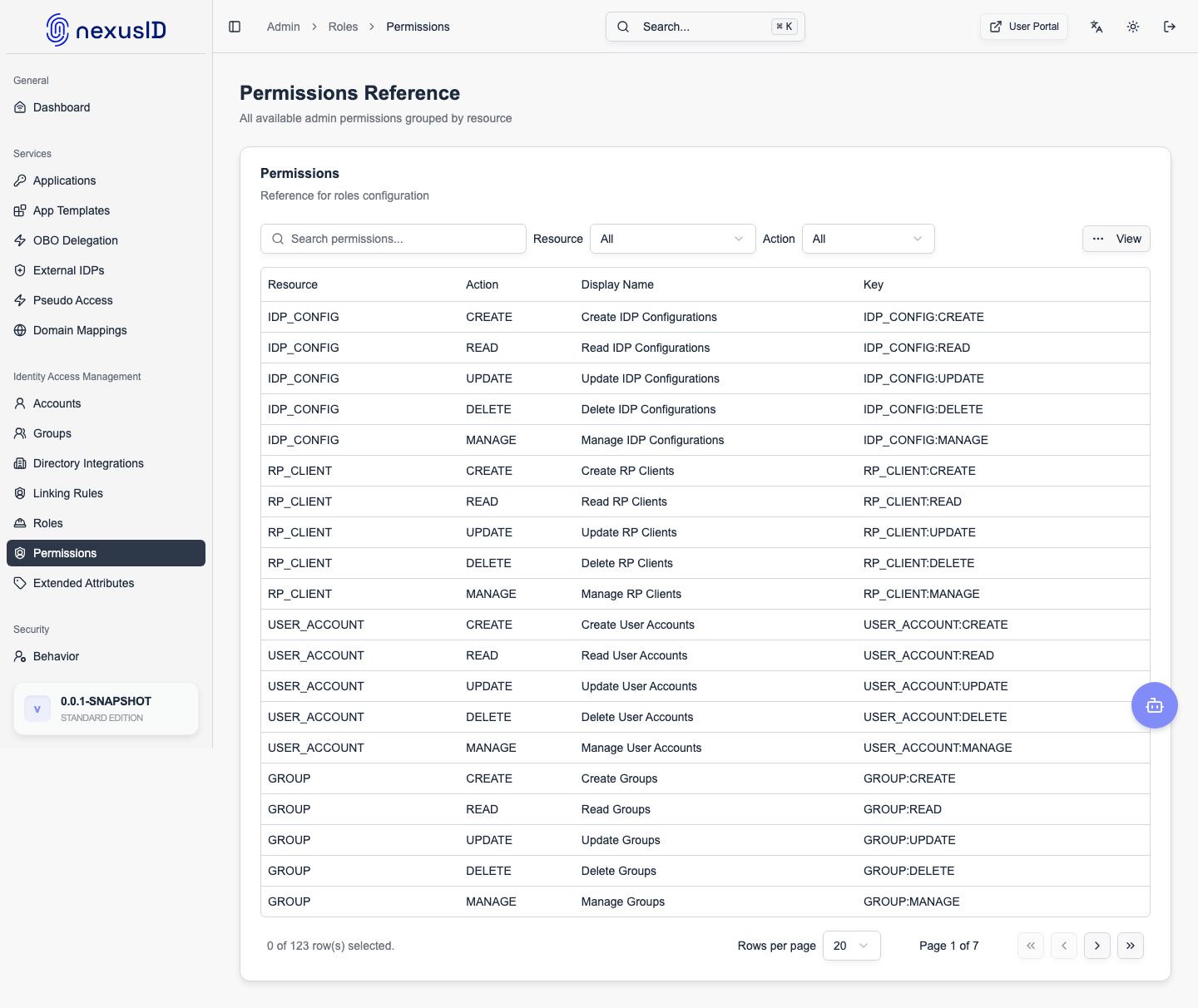
Permissions are the granular access rights that make up a Role. They control access to specific API endpoints and UI features.
Permission Structure
Permissions are typically namespaced by resource and action:
user:read: View user details.user:update: Modify user profiles.app:create: Create new applications.system:config: Manage global settings.
Assigning Permissions
Permissions are not assigned directly to users. Instead, you:
- Create a Role (e.g., "User Manager").
- Assign Permissions (
user:read,user:update) to the Role. - Assign the Role to a User or Group.