RBAC & Permissions — Guided Tour
Role-Based Access Control (RBAC) means the console only lets you do what your role allows. This tour signs in as a scoped admin (a Help Desk persona) and shows the limits being enforced — the pages they're allowed to see open, and the ones they're not allowed to see are blocked.
Step-by-step
1. Sign in as a scoped admin
This persona has the Help Desk role — useful day-to-day powers, but not full control.
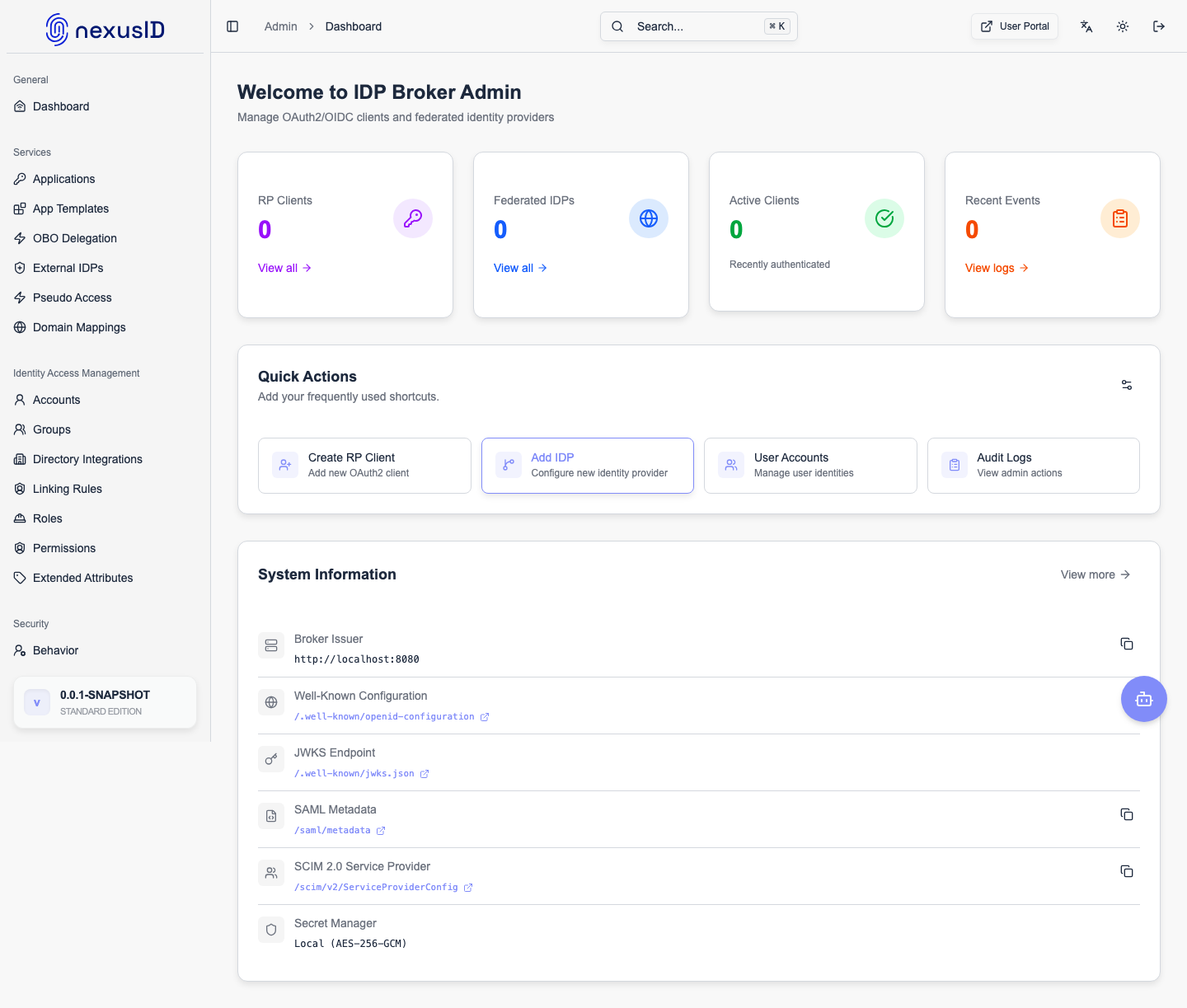
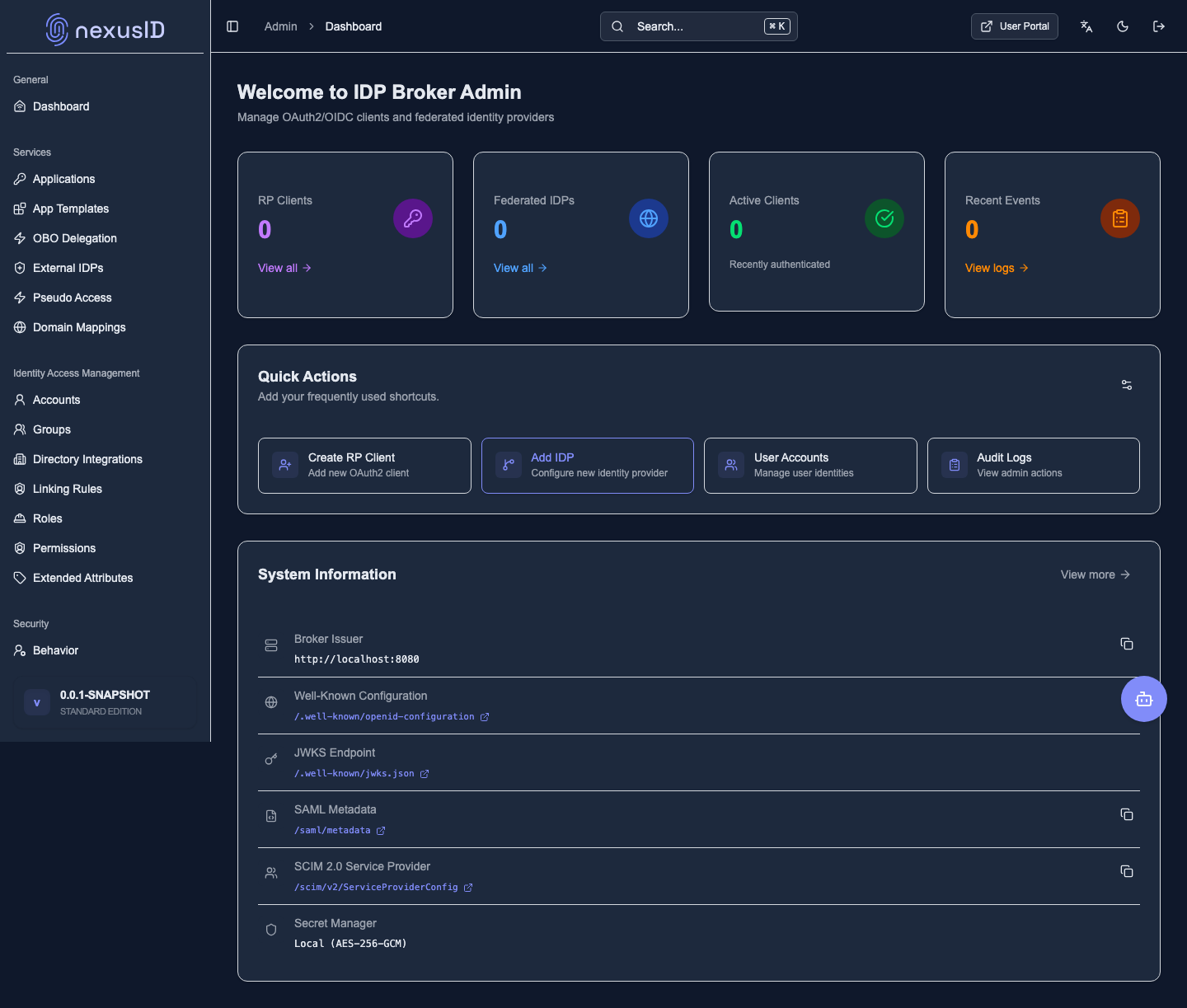
2. Allowed areas open normally
The dashboard and the areas this role covers load just fine.
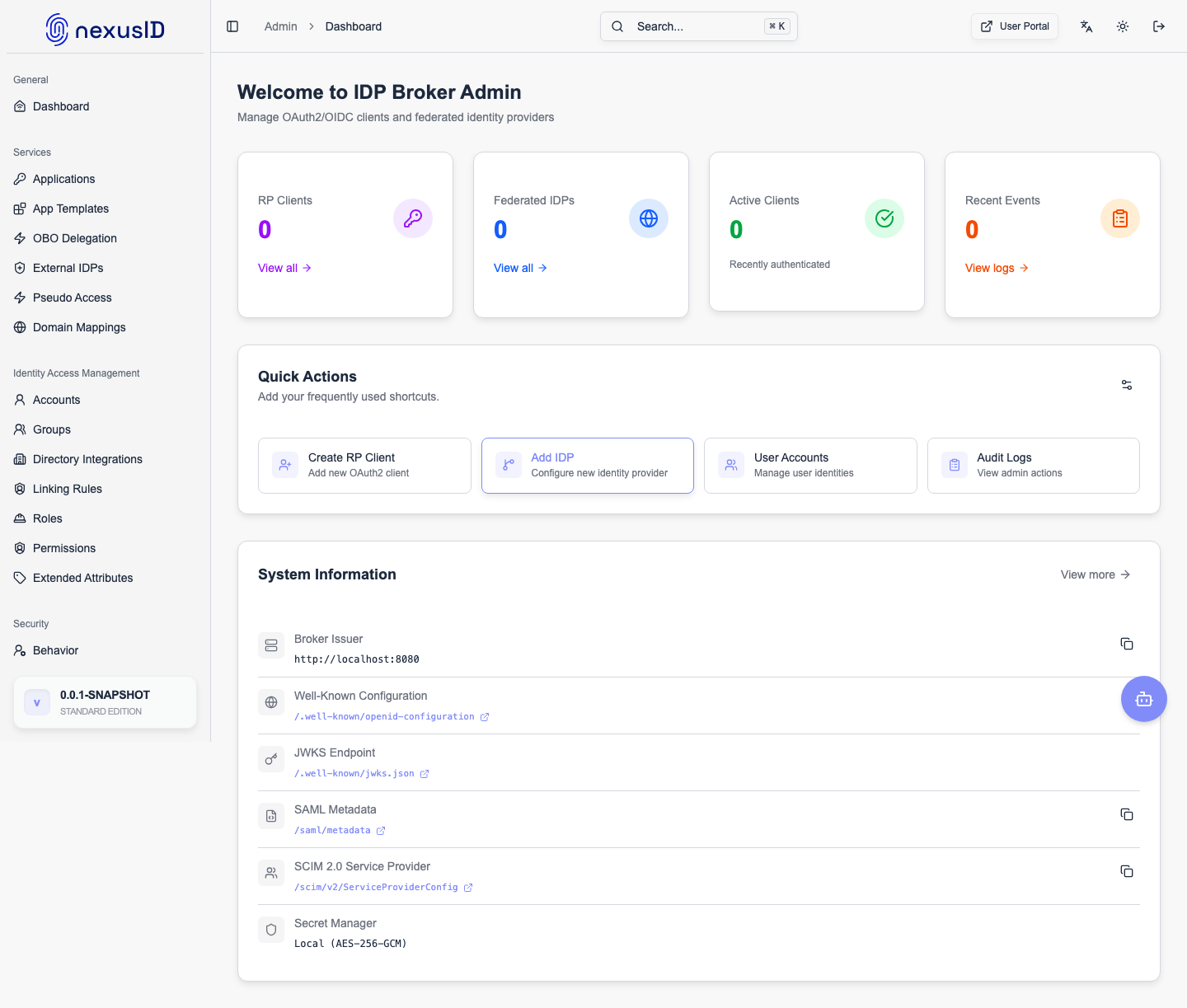
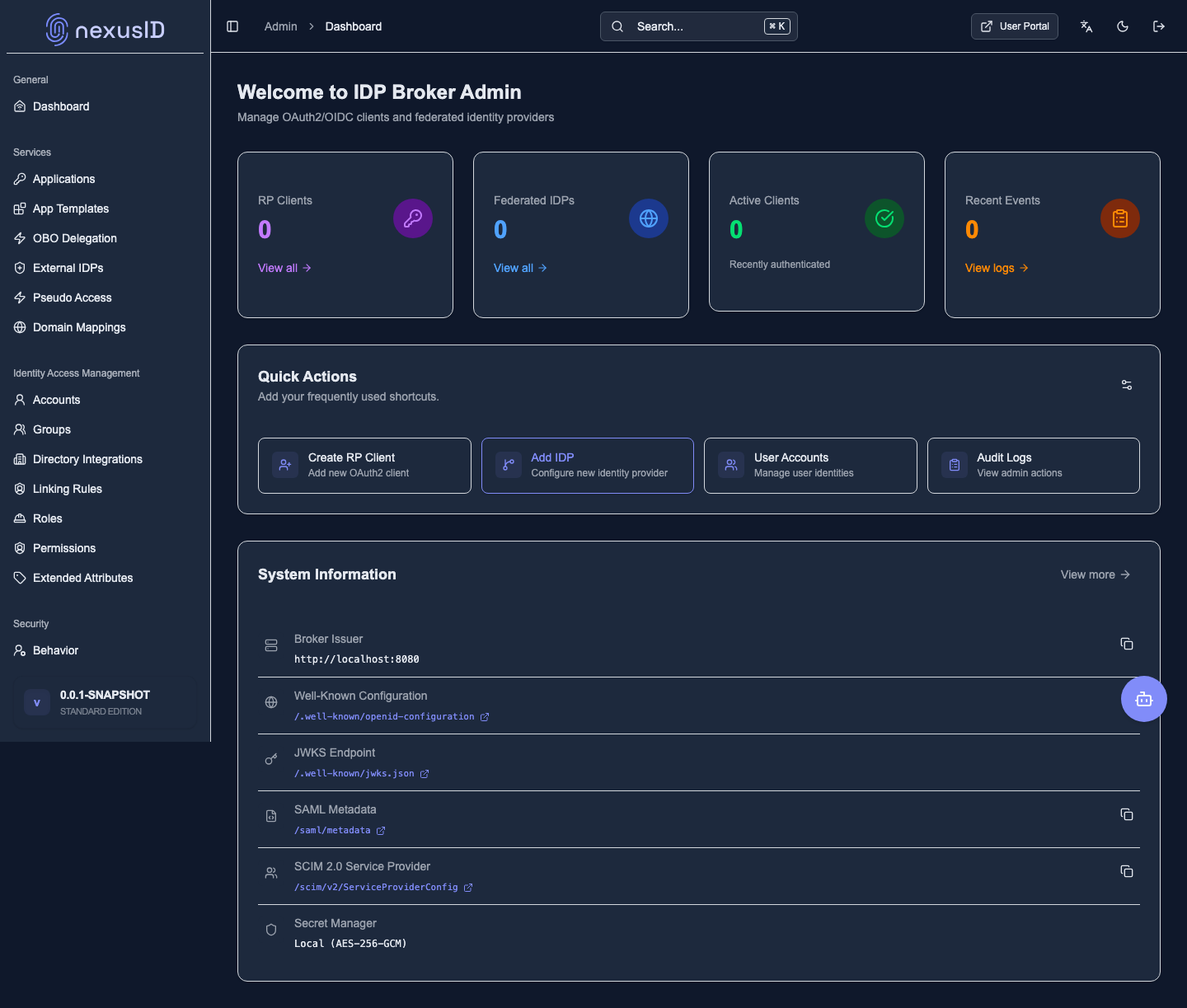
3. Restricted areas are blocked
When the same Help Desk user navigates to role/permission administration — which only higher roles may touch — the server refuses and the console shows the access-restricted surface instead of the page. The limit is enforced server-side, not just by hiding menu items.
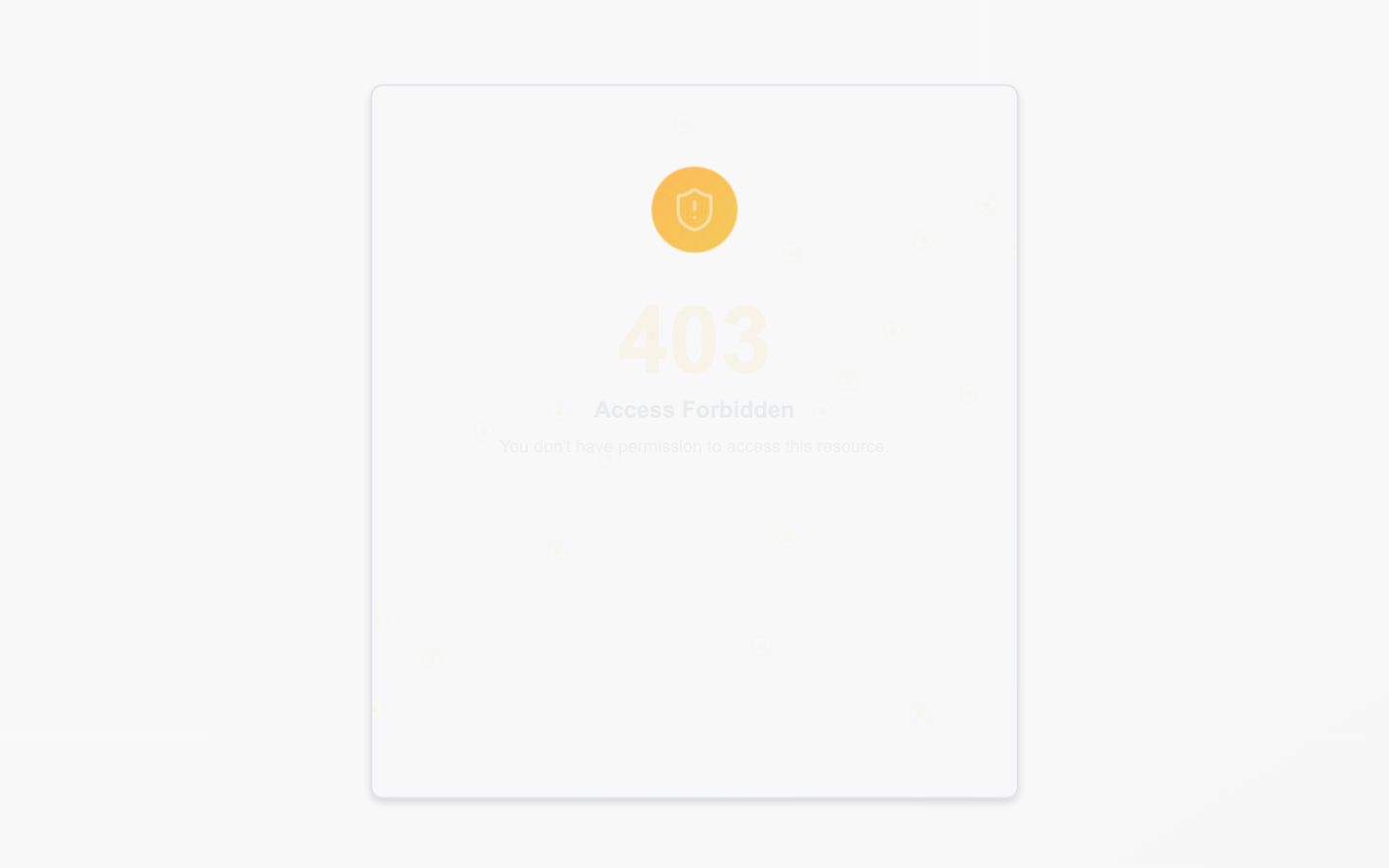
(Compare with step 2: the same user reaches its allowed dashboard fine — only the privileged area is blocked.)
What you just saw
- The same console behaves differently per role.
- Sensitive areas are enforced server-side, not just visually hidden.
- This is how you safely delegate — give people a role and trust the boundaries.
Learn more: Permissions · Roles