The User Portal — Guided Tour
In plain English
The user portal is the self-service area for everyday people (not admins). From one place they can see their apps, edit their profile, set up multi-factor authentication, manage security questions and recovery codes, review what they've consented to, and change their password — without filing a help-desk ticket.
Step-by-step
1. The user signs in and reaches their dashboard
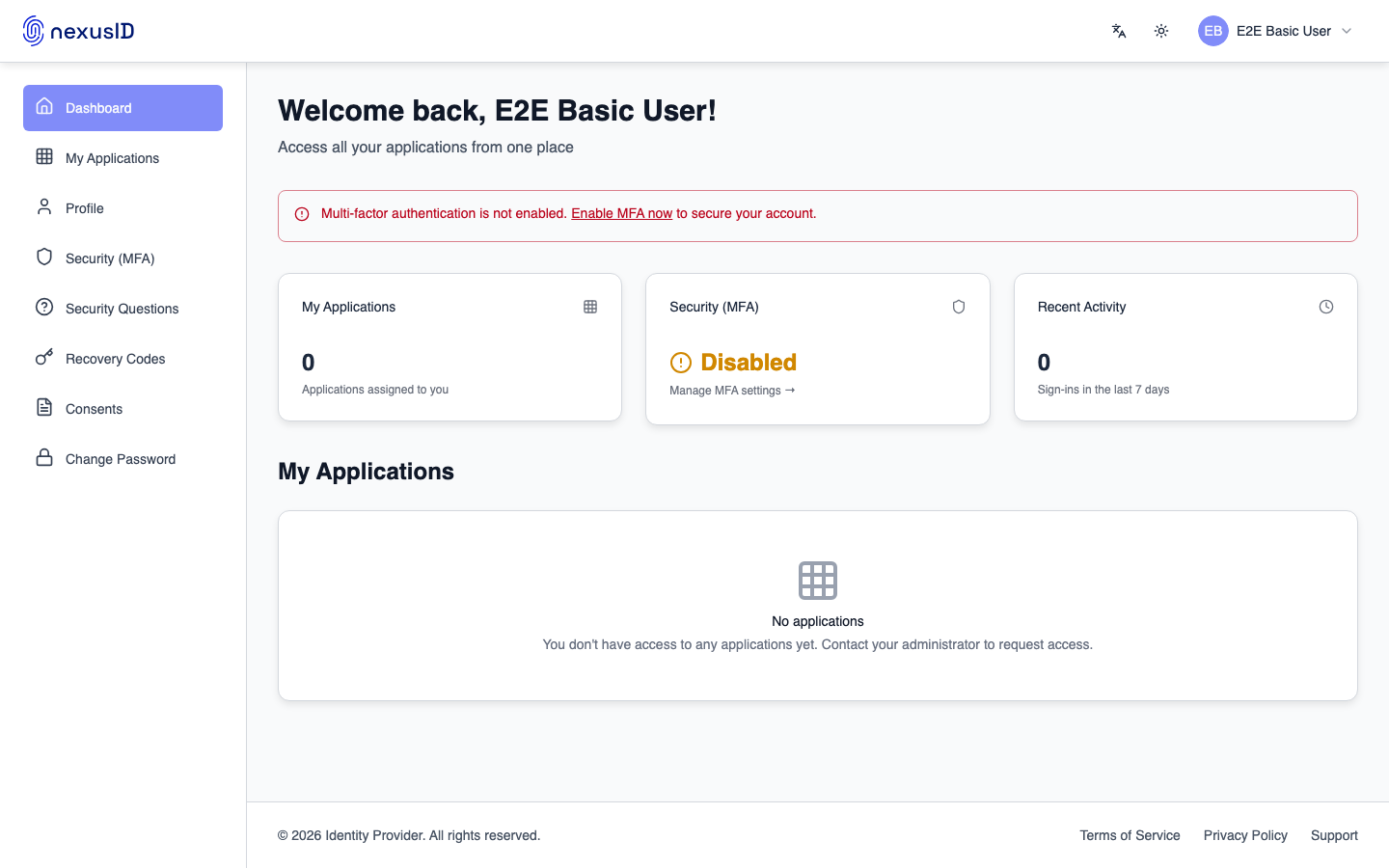
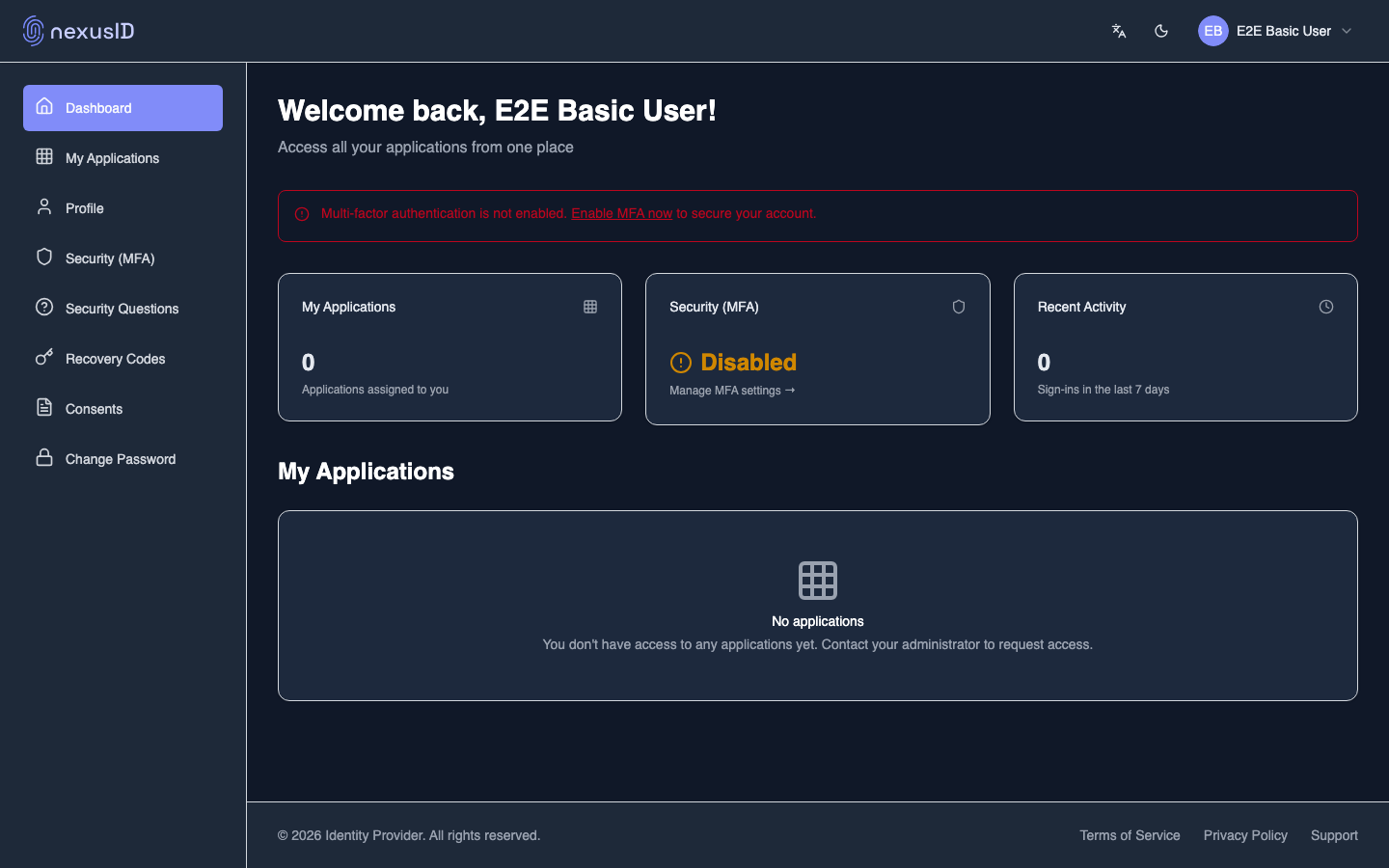
A regular employee signs in and lands on their personal dashboard.
2. Their applications
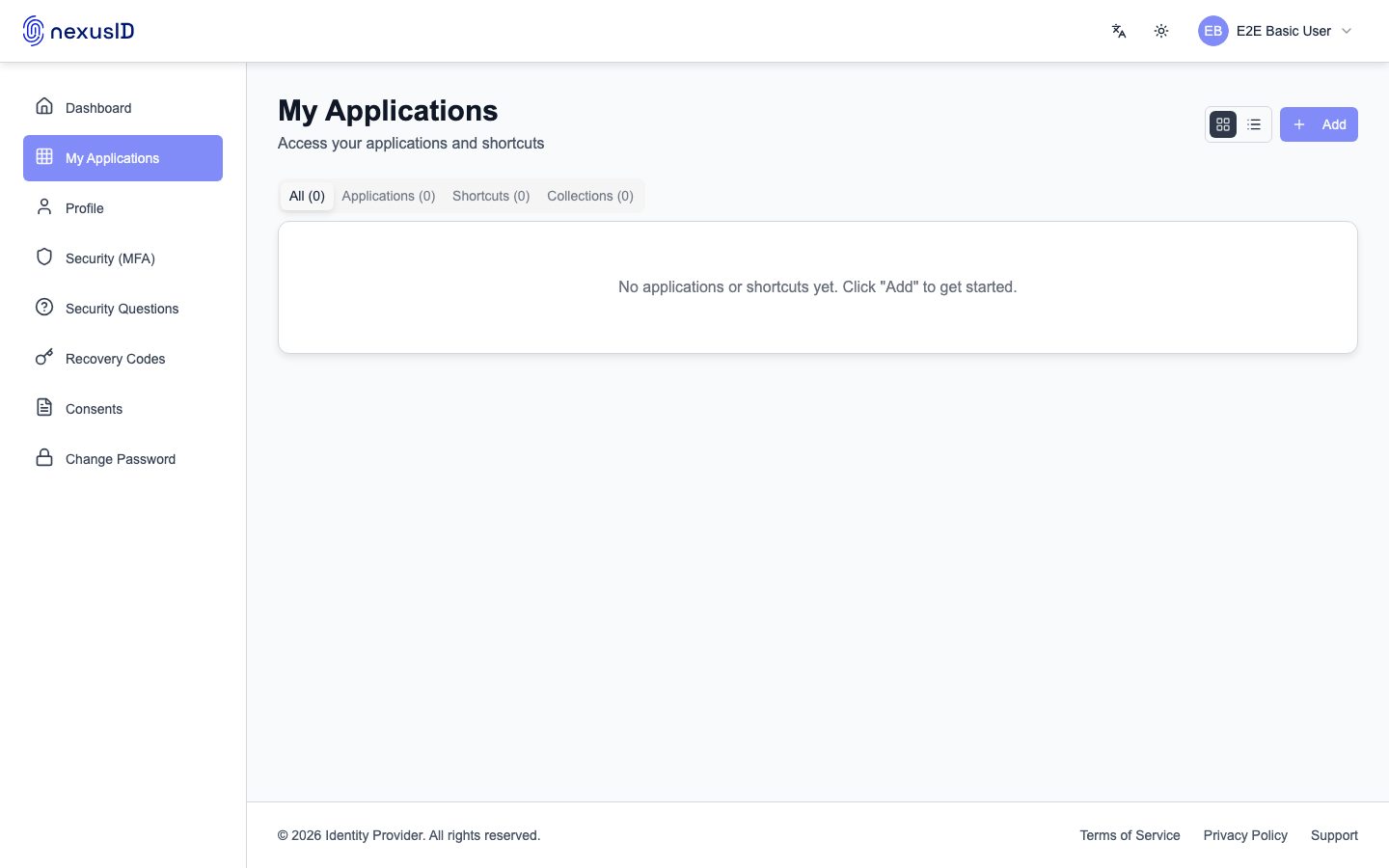
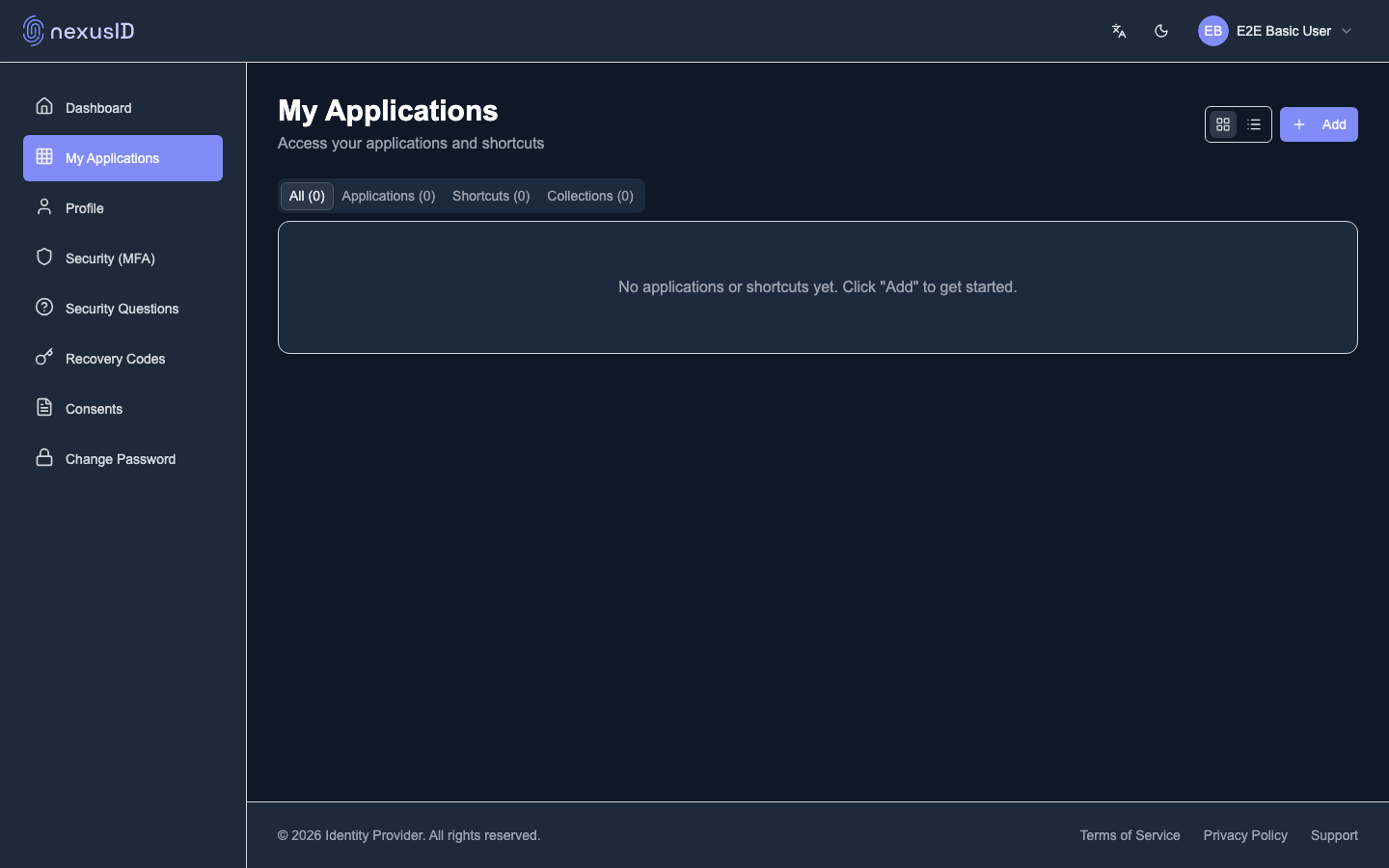
"My Applications" shows the apps they can launch, grouped into tabs (all, applications, shortcuts, collections).
3. Profile and security self-service
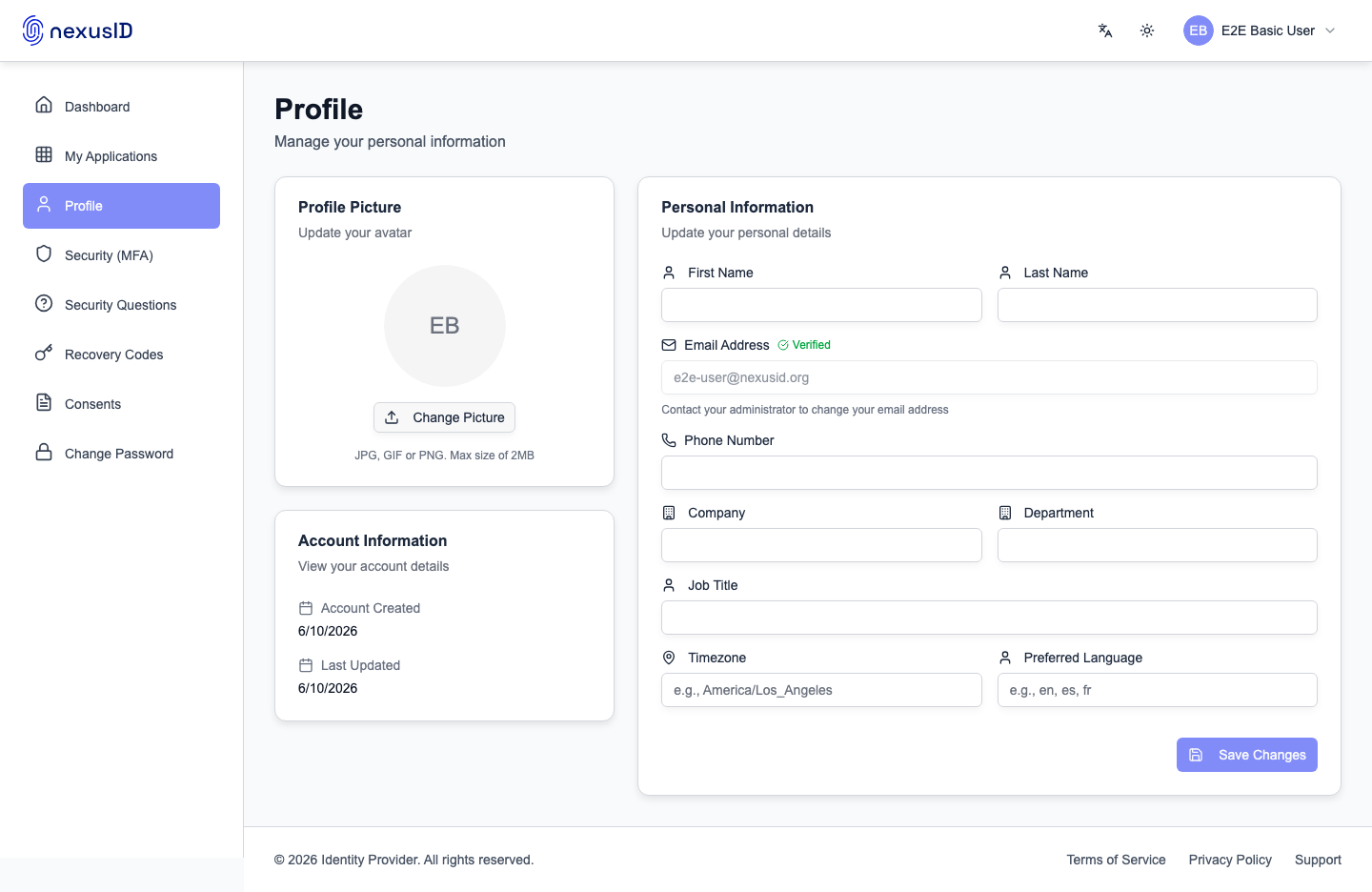
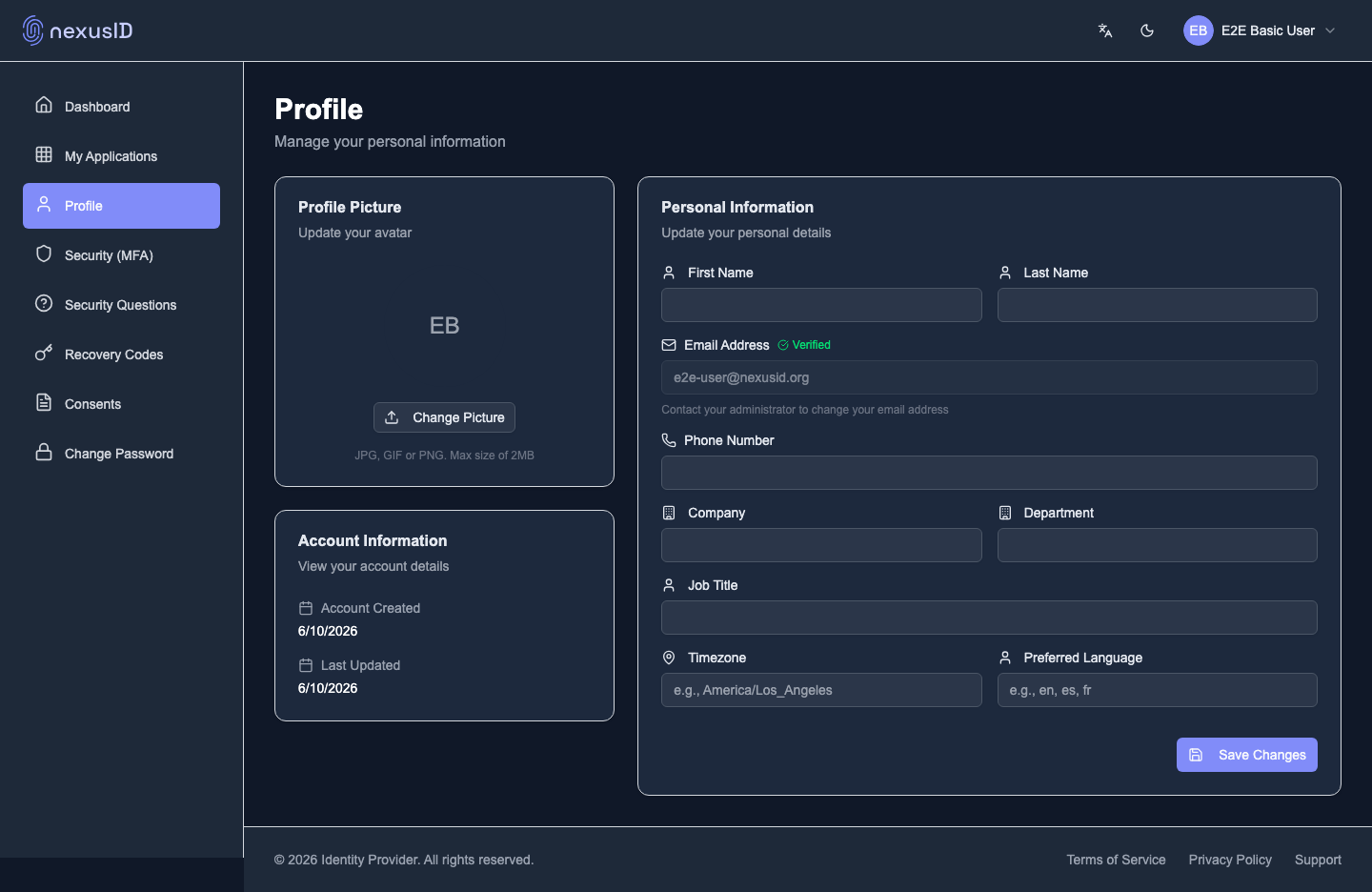
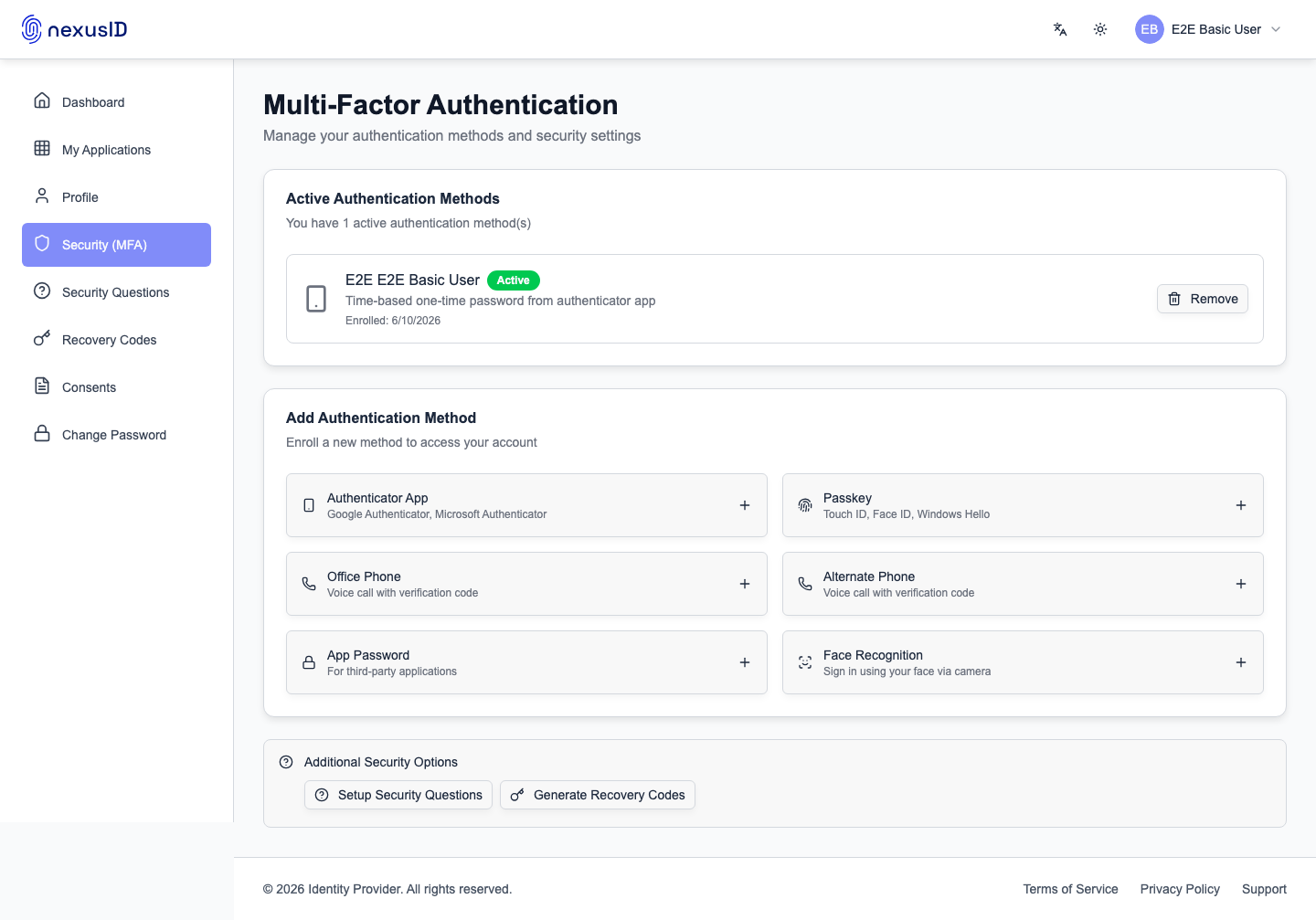
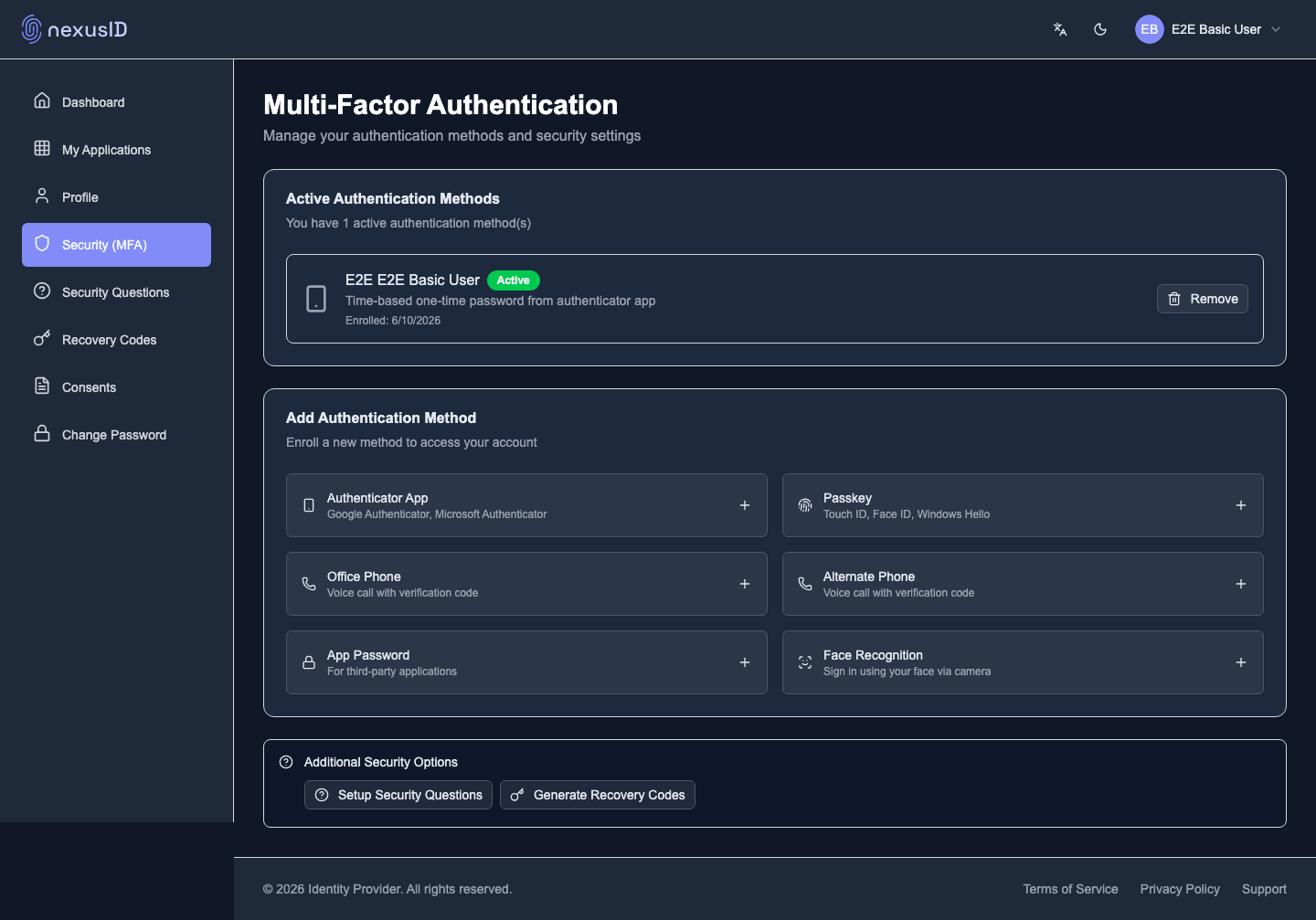
Users update their own profile, turn on MFA, set security questions, and generate recovery codes.
What you just saw
- End users help themselves — apps, profile, MFA, recovery, consents, password.
- Less load on the help desk; users stay in control of their own security.
Learn more: User Portal · End-User Portal Guide