The Admin Console — Guided Tour
The admin console is mission control. From one place, administrators manage applications, identities, sign-in policies, security, integrations, and reports. This tour is a single pass through the whole console so you can see how much lives in one window.
This is the longest tour — a full click-through of every section. The complete recording is large, so it's linked rather than embedded:
▶️ Watch the full admin-console walkthrough (video)
Below are the highlights. Each links to its detailed page.
The console at a glance
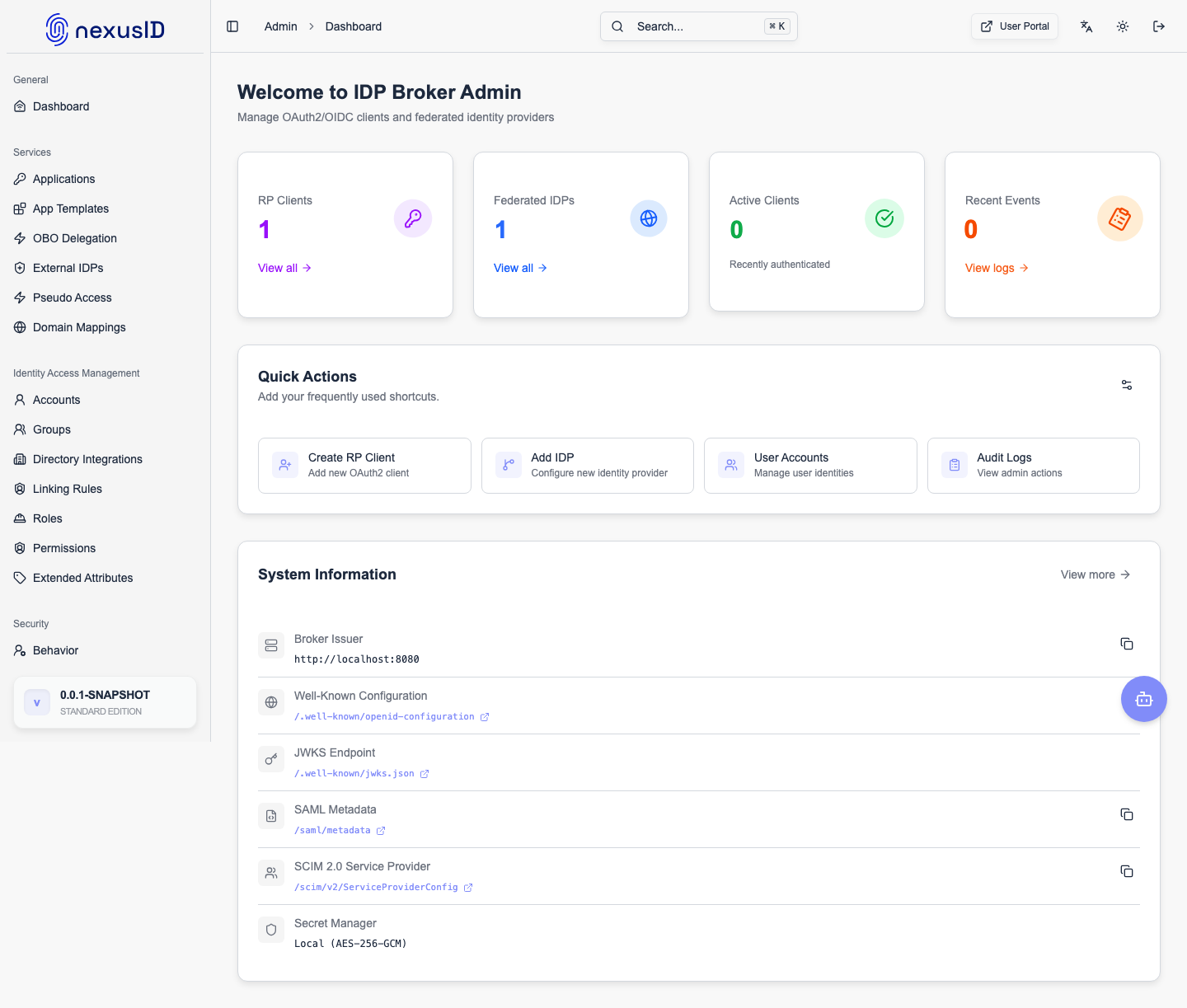
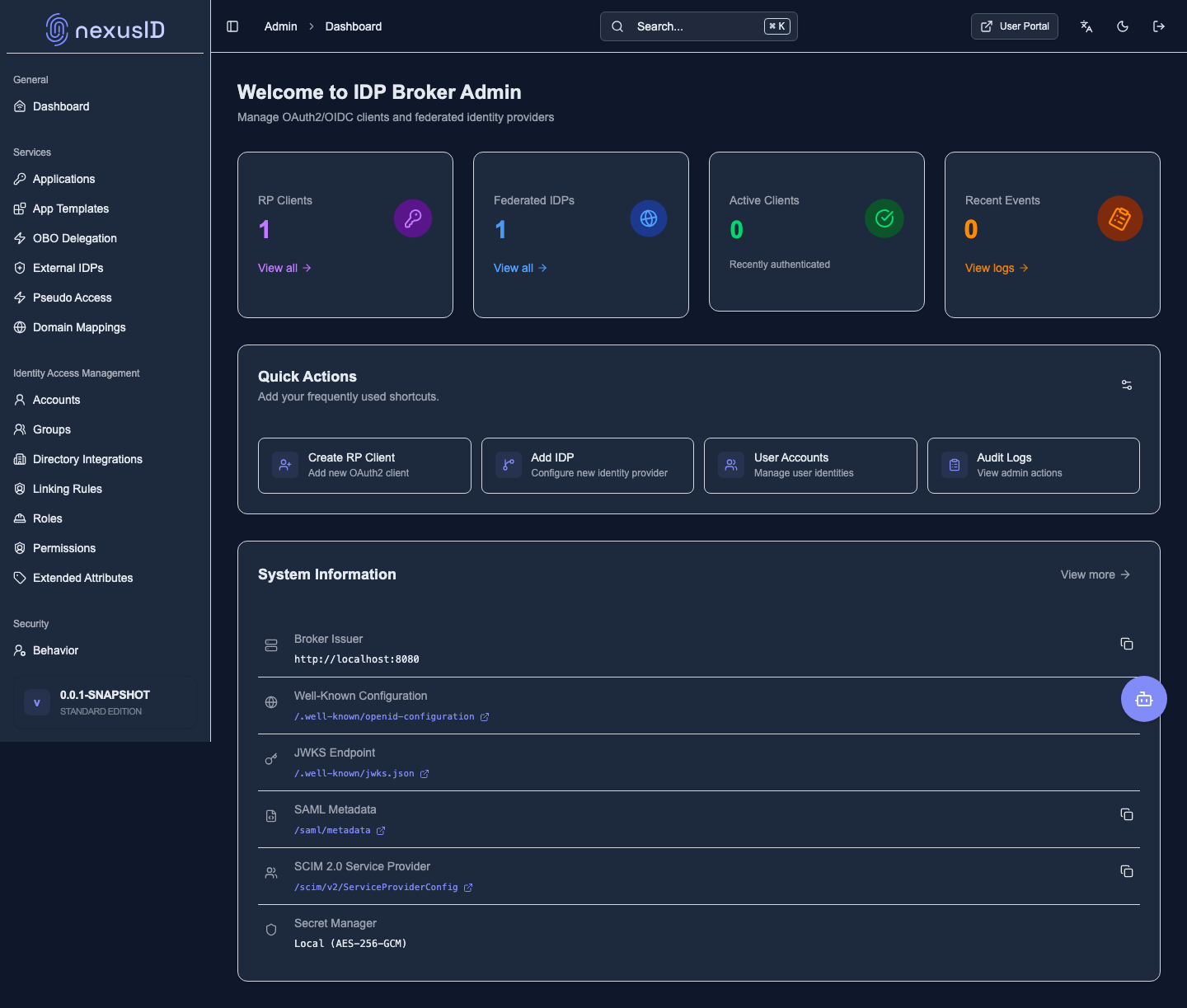
Dashboard
Where admins land — health, activity, and quick links.
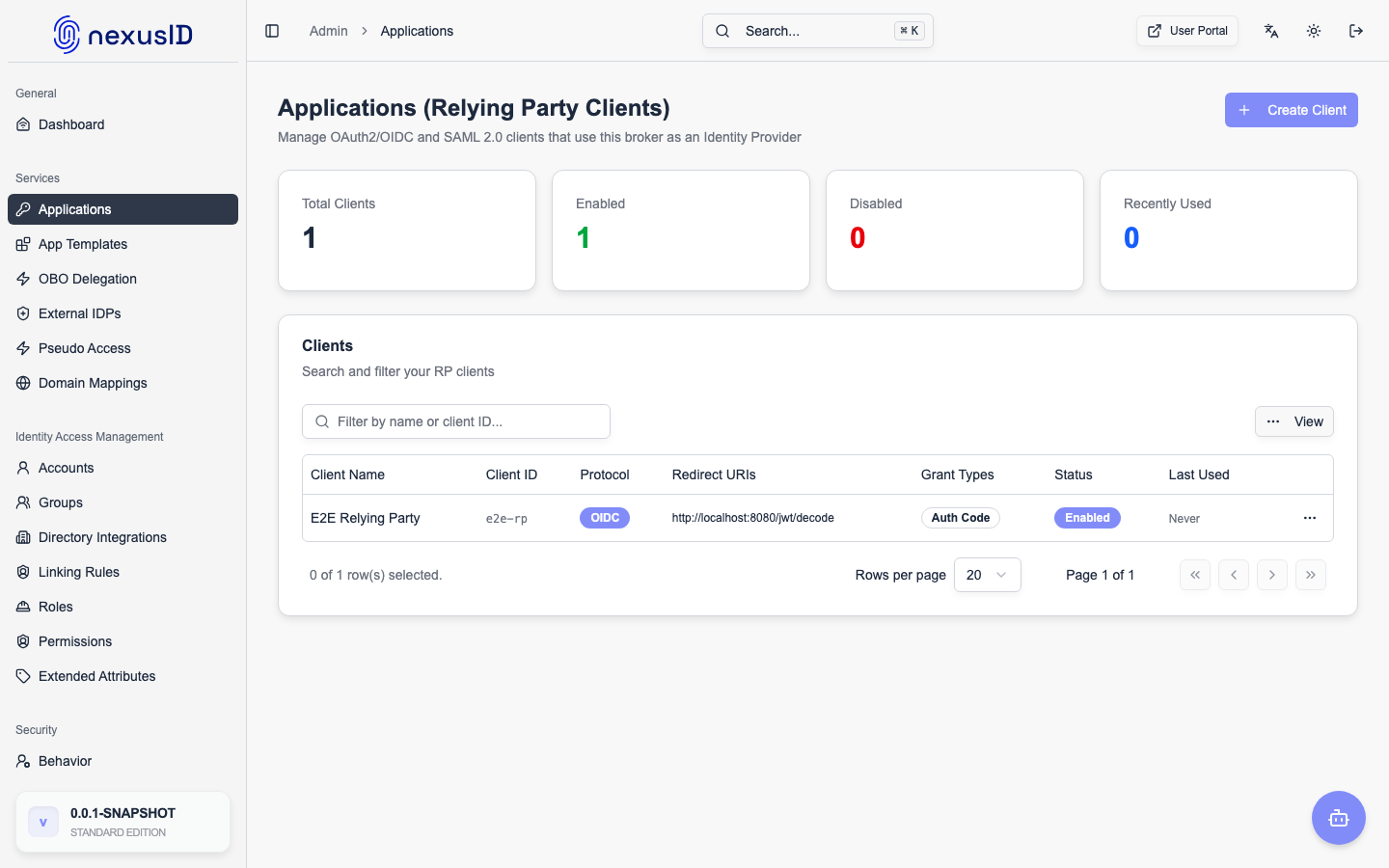
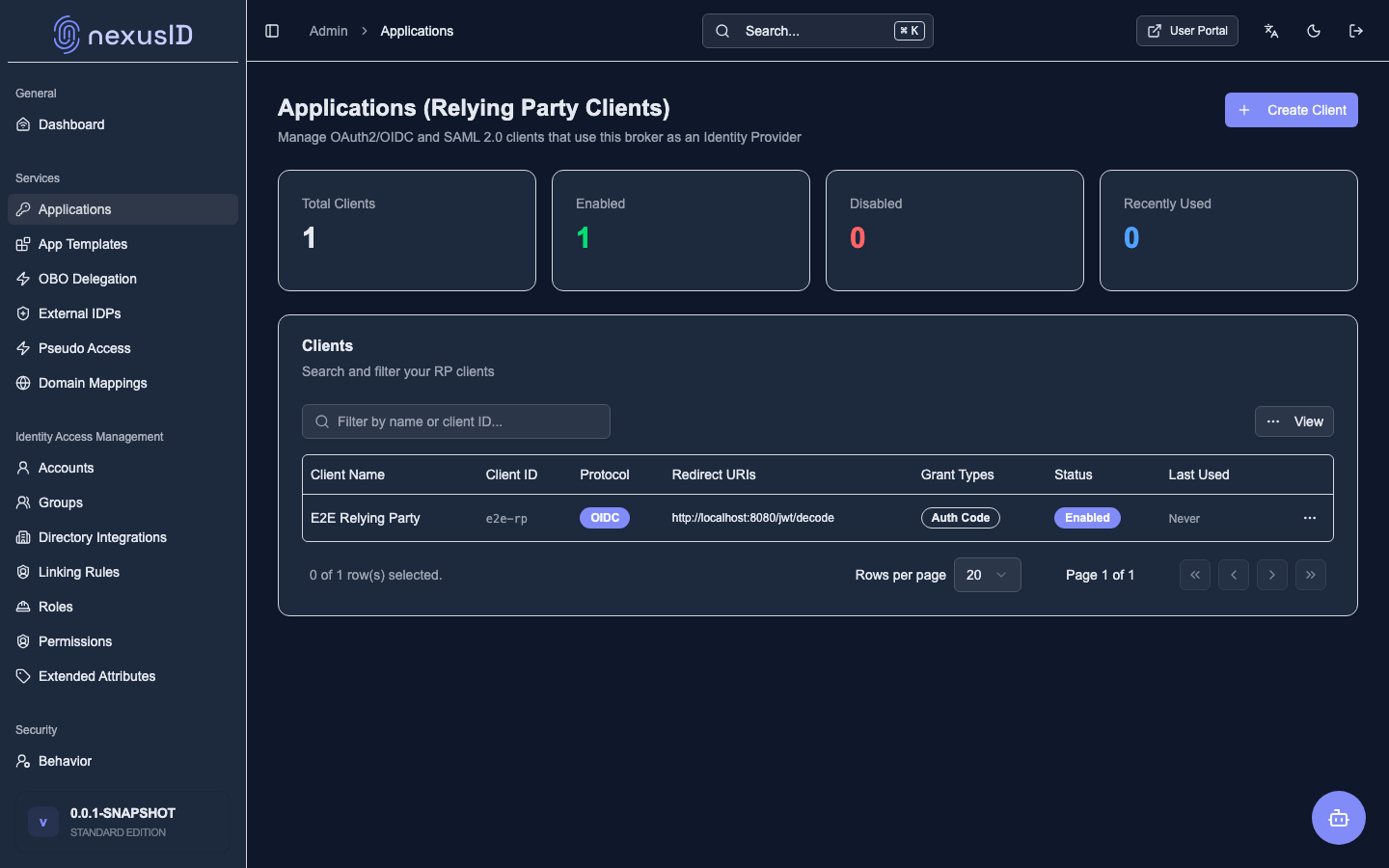
Applications & identity providers
Connect the apps that rely on nexusID and the identity providers it federates to.
Identity & Access
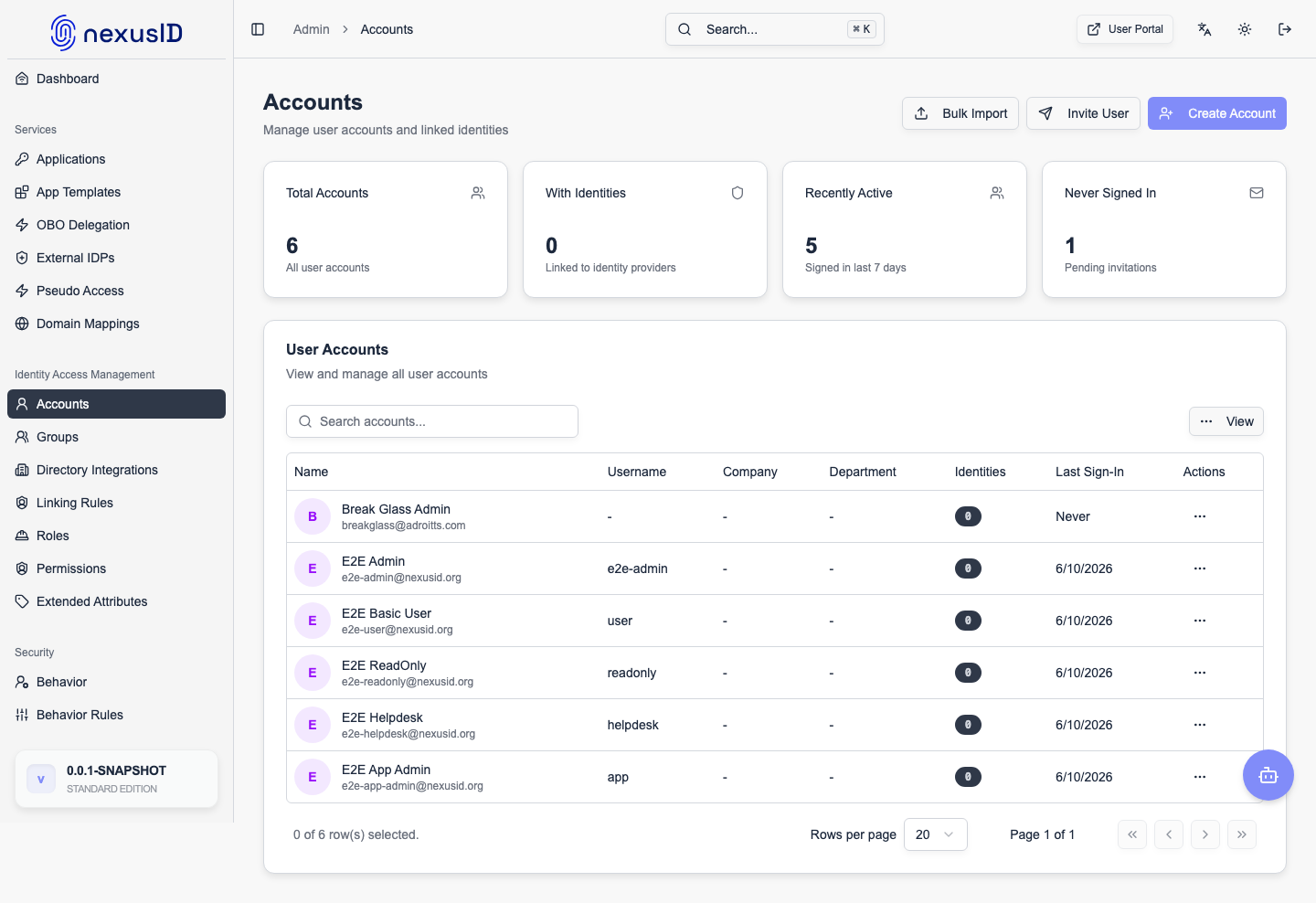
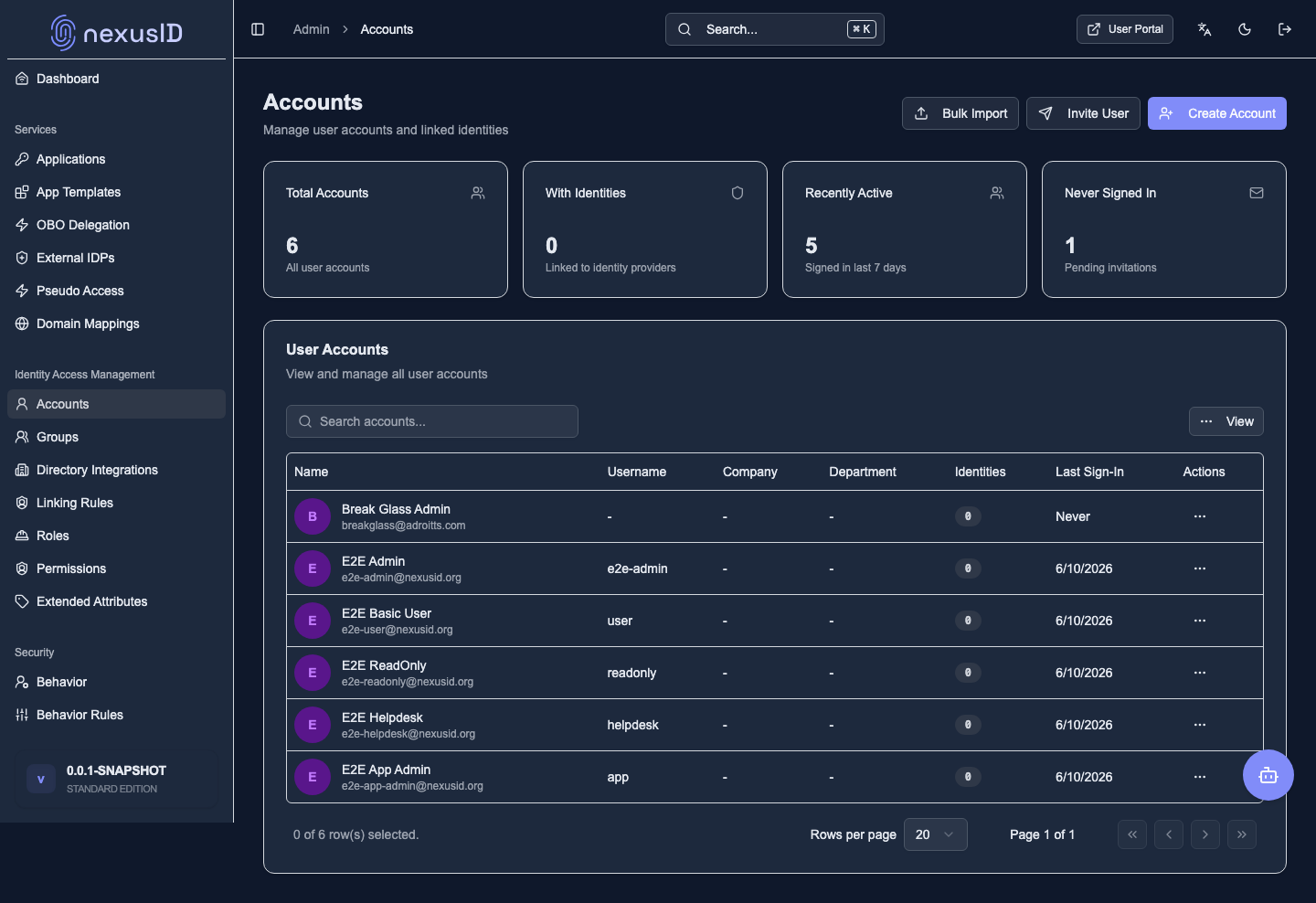
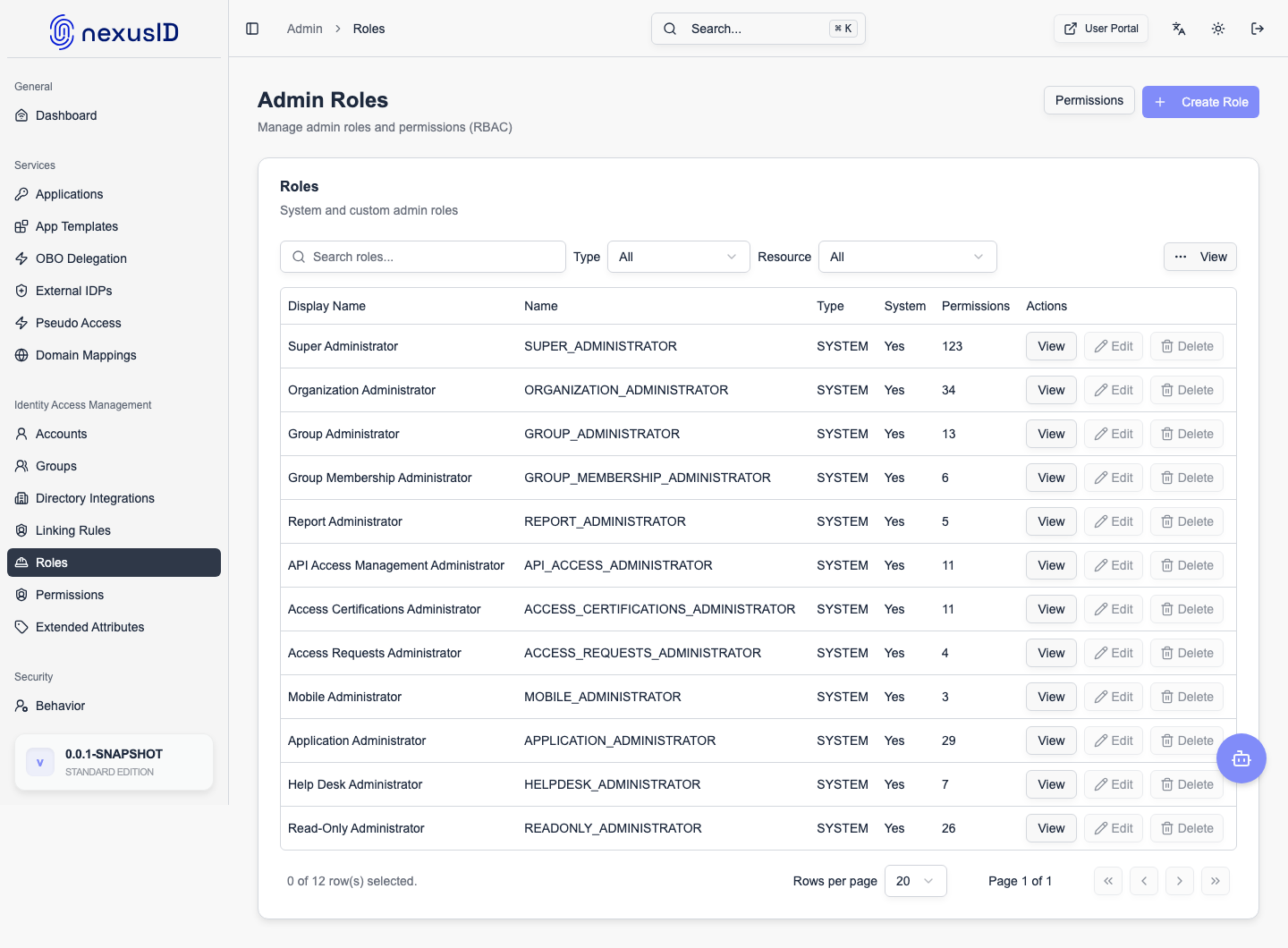
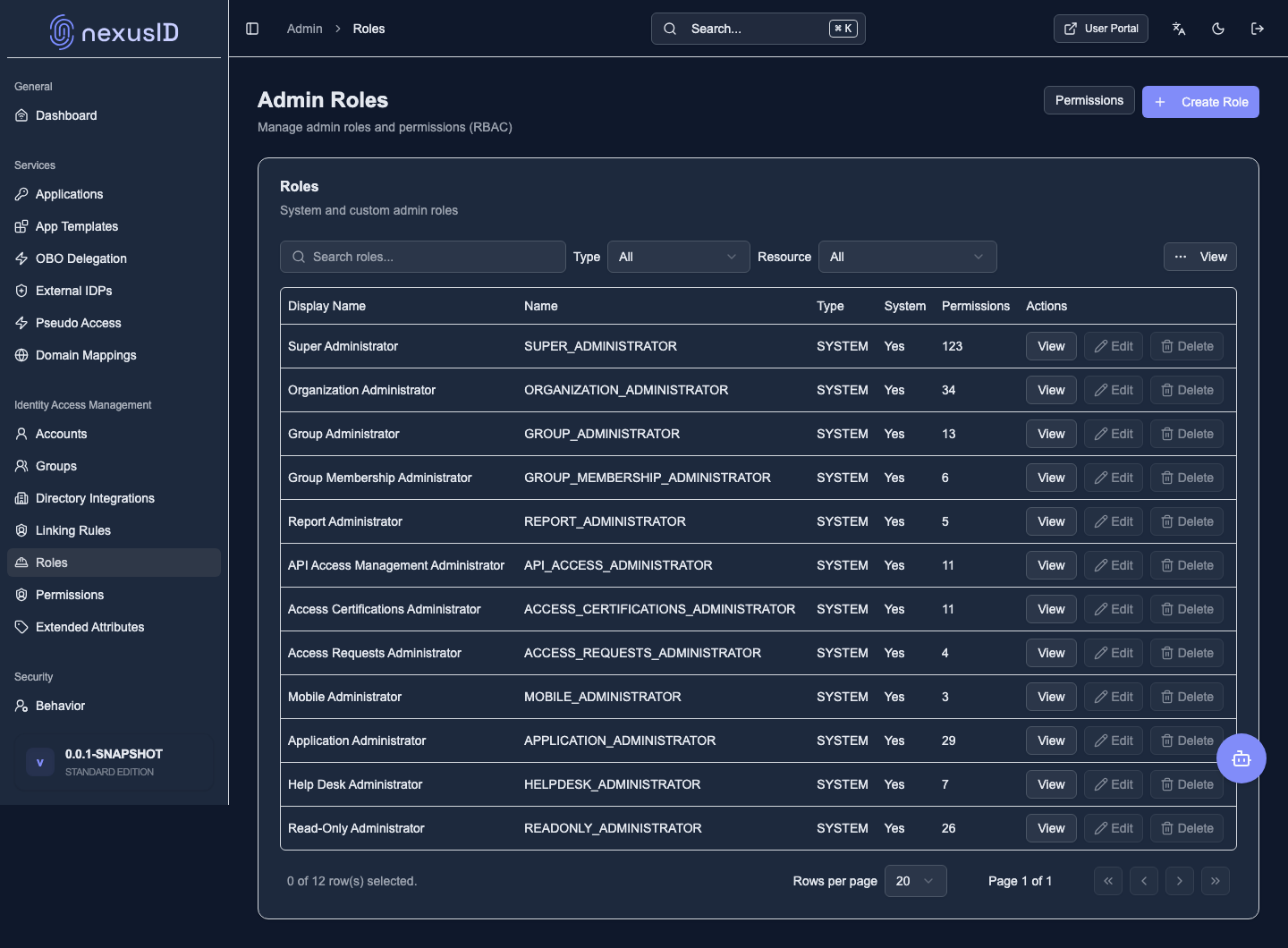
People, groups, directories, roles and permissions.
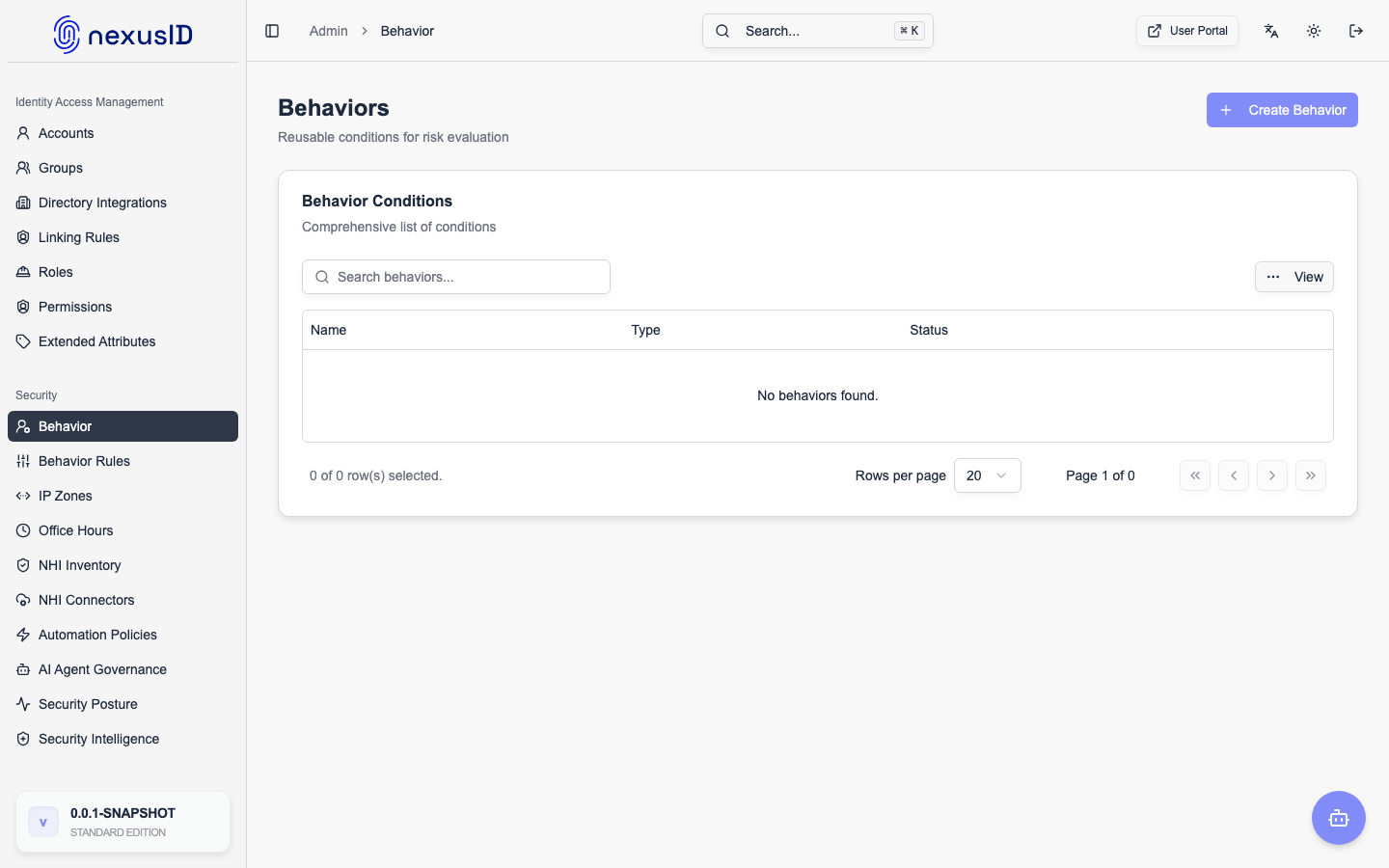
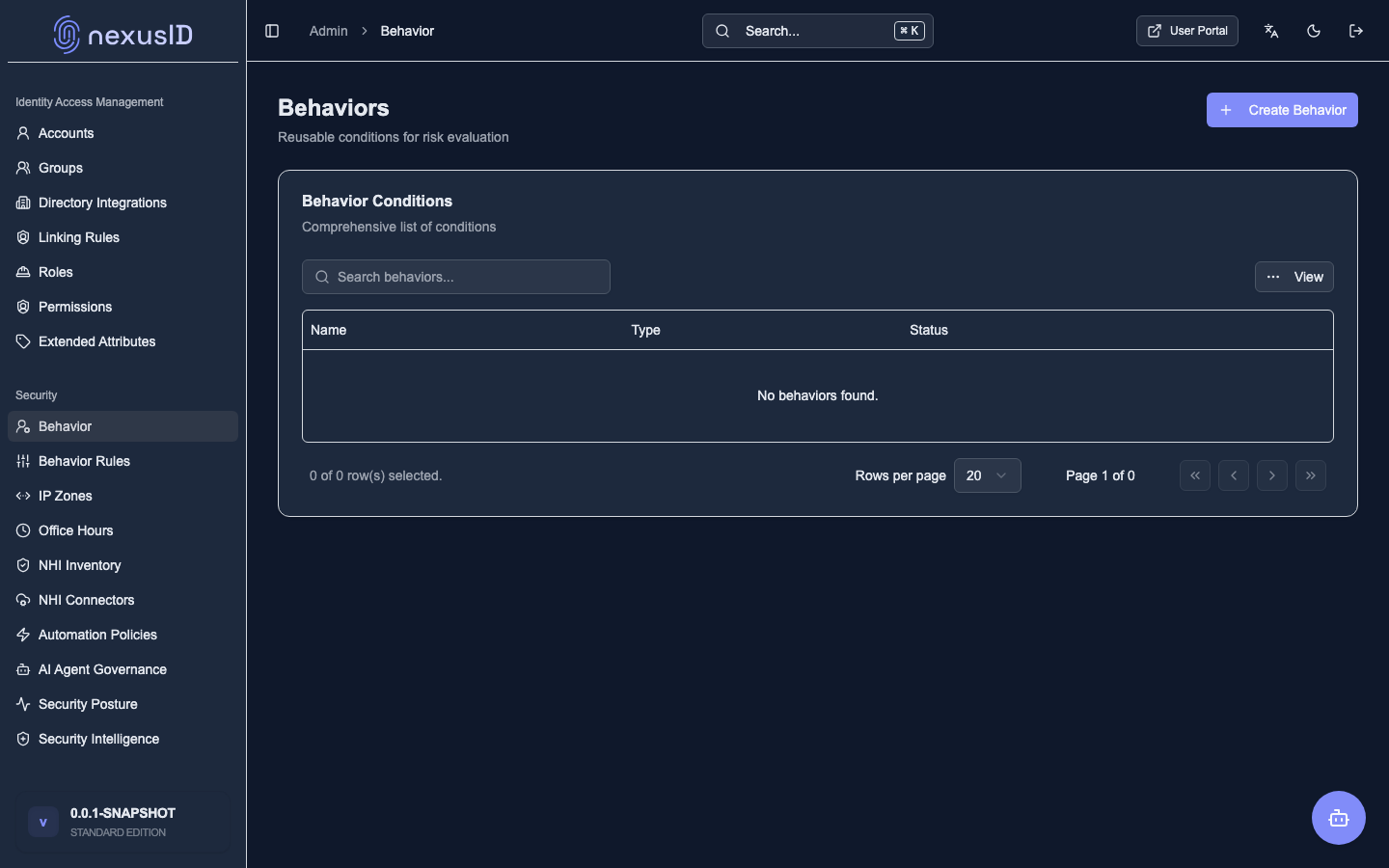
Security
Behaviour monitoring, IP zones, office hours, and more.
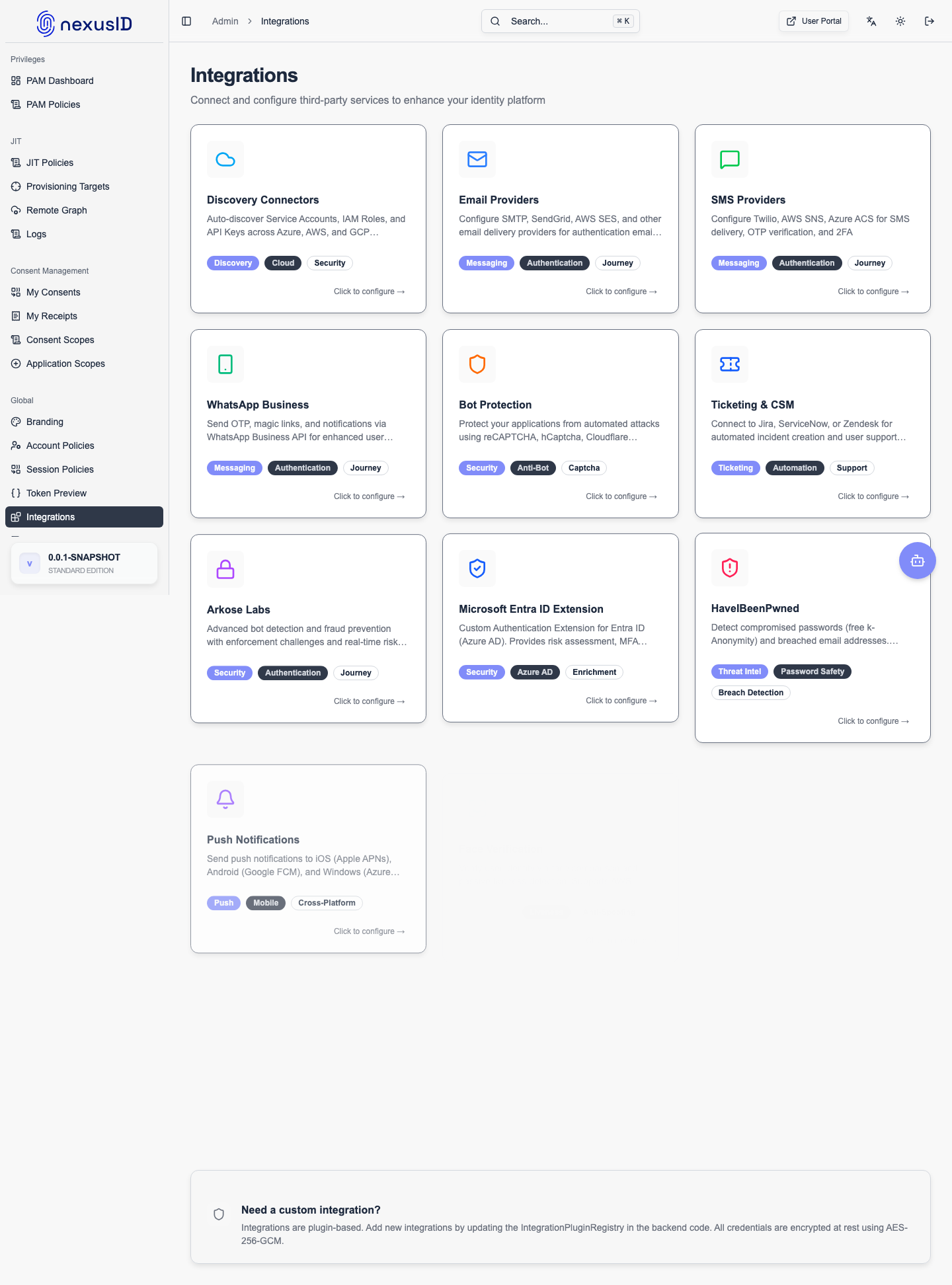
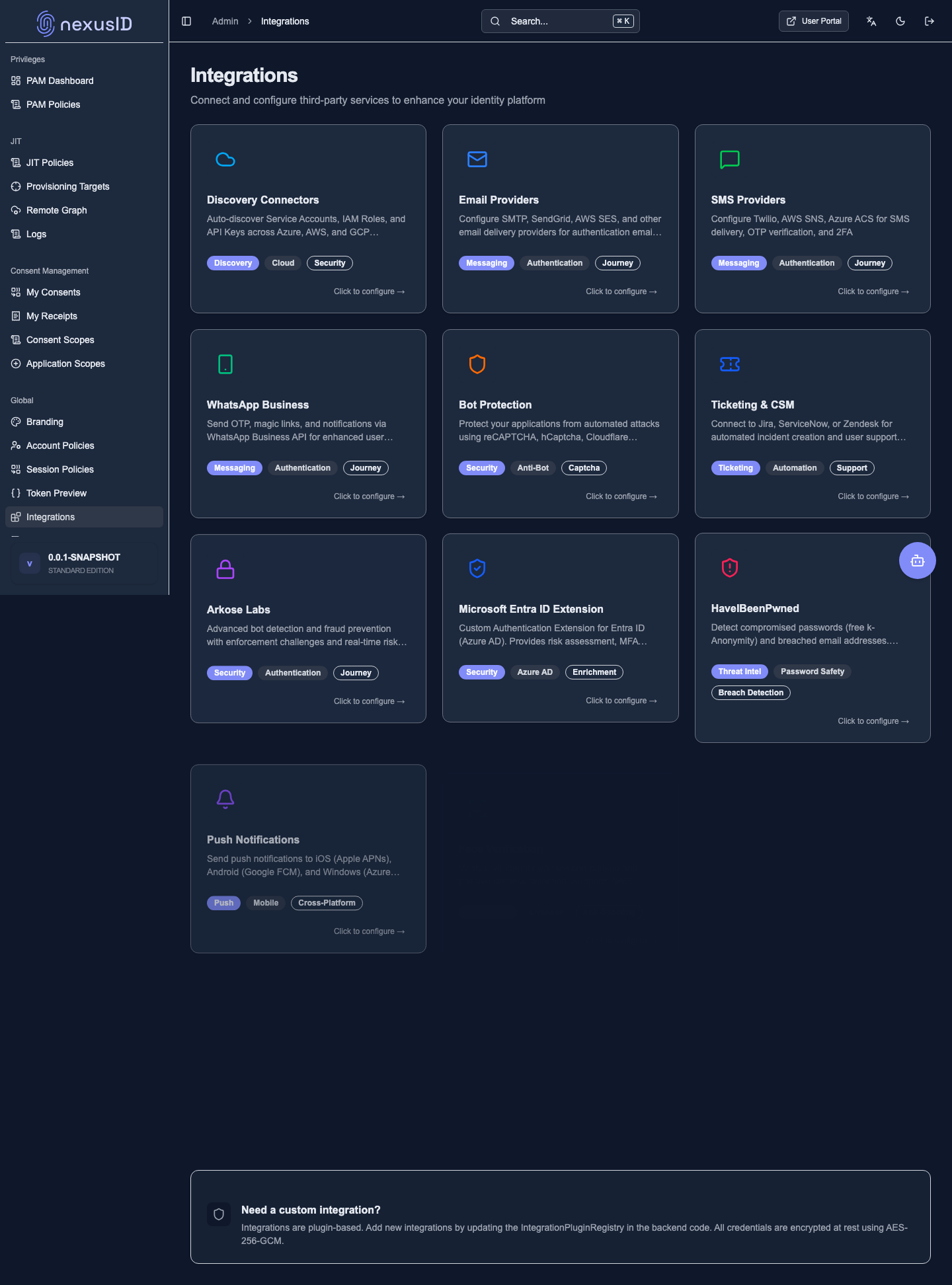
Integrations
Email, SMS, ticketing, threat intel, webhooks — all configured here.
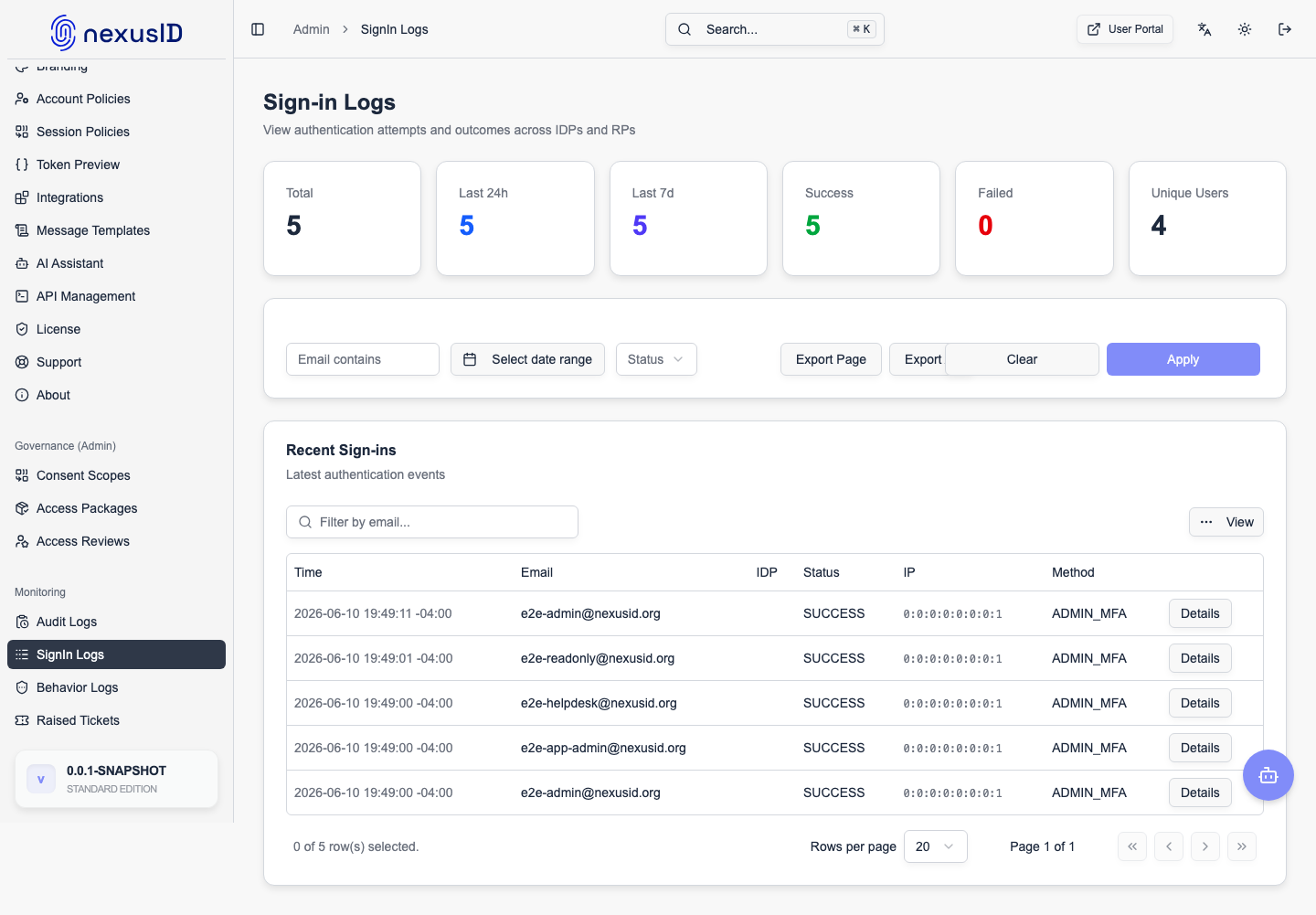
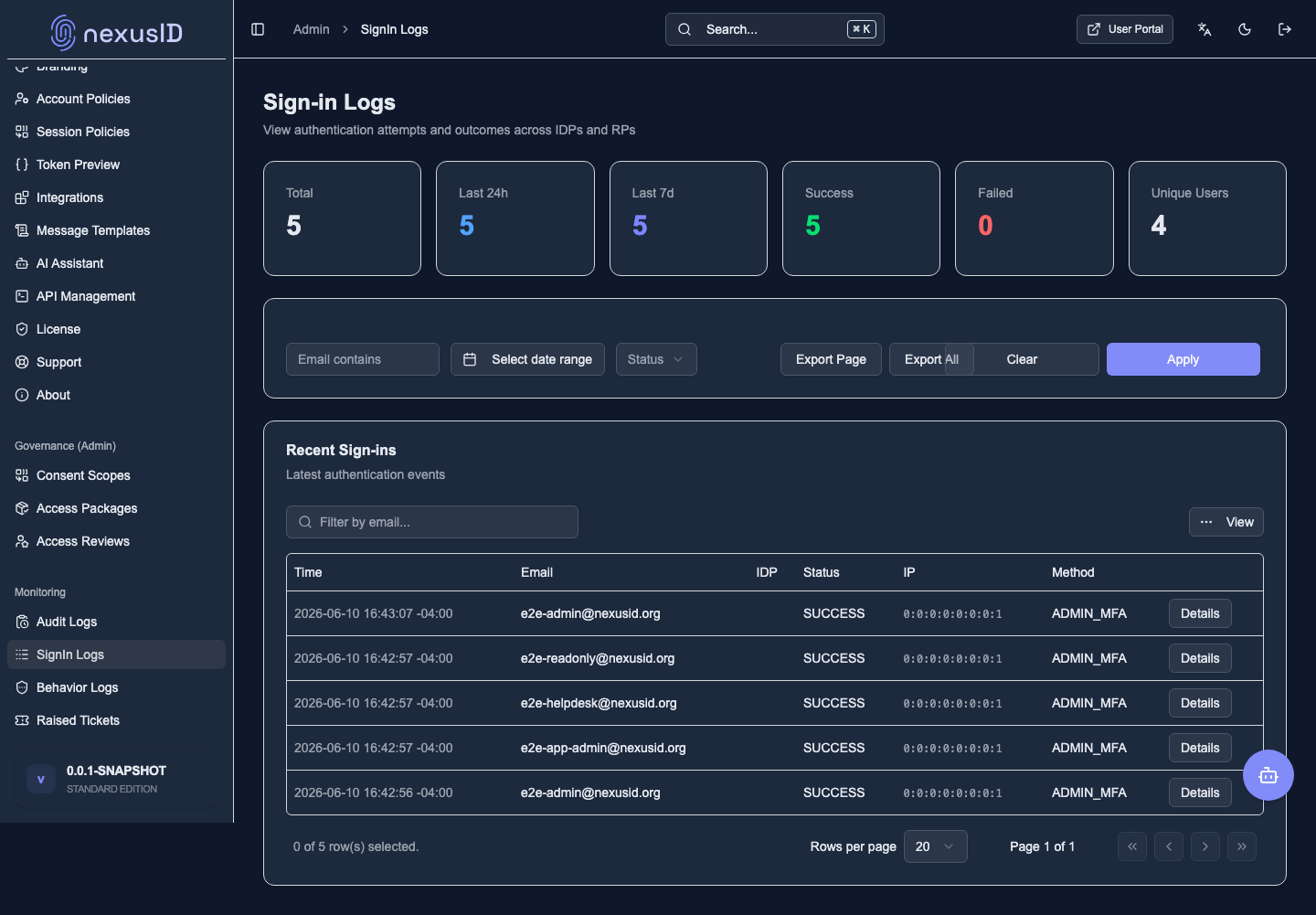
Monitoring
Audit logs and sign-in logs for the full paper trail.
What you just saw
- One console covers the whole identity surface: apps, people, policy, security, integrations, logs.
- Each tile above is a doc section in this site — explore via the sidebar.
Jump to detail: Applications · Accounts · Roles · Behaviour Monitoring · Audit Logs