Signing In — Guided Tour
When someone signs in, nexusID asks for their email and then automatically sends them to the right place to log in — your company's identity provider (like Microsoft Entra or a Keycloak), based on the email's domain. The user never has to know which login system to use; the broker figures it out. This is called Home Realm Discovery (HRD).
Step-by-step
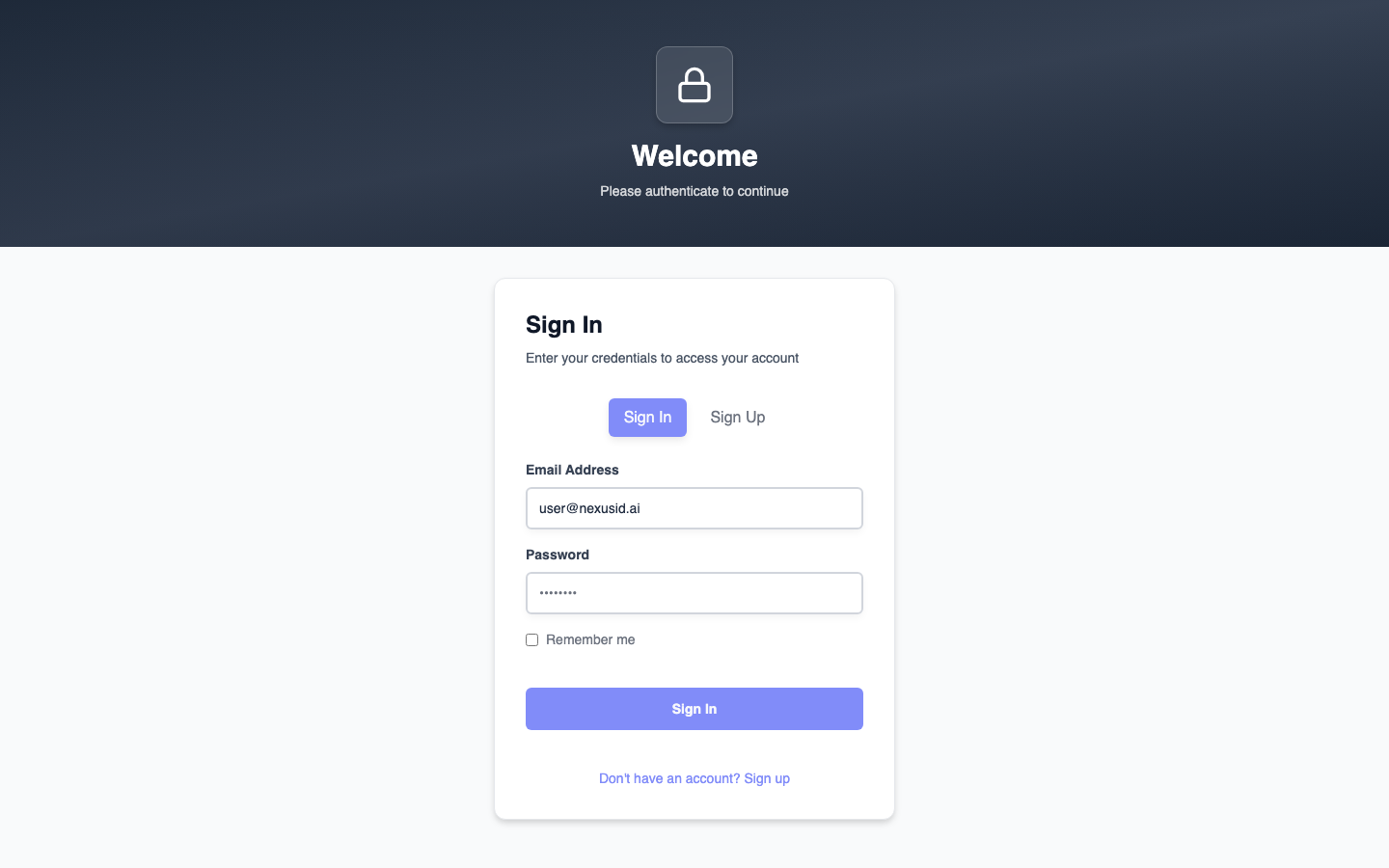
1. The user lands on the sign-in page
An application sends the user to nexusID to sign in (via an OAuth2 authorize request). They see a simple email box.
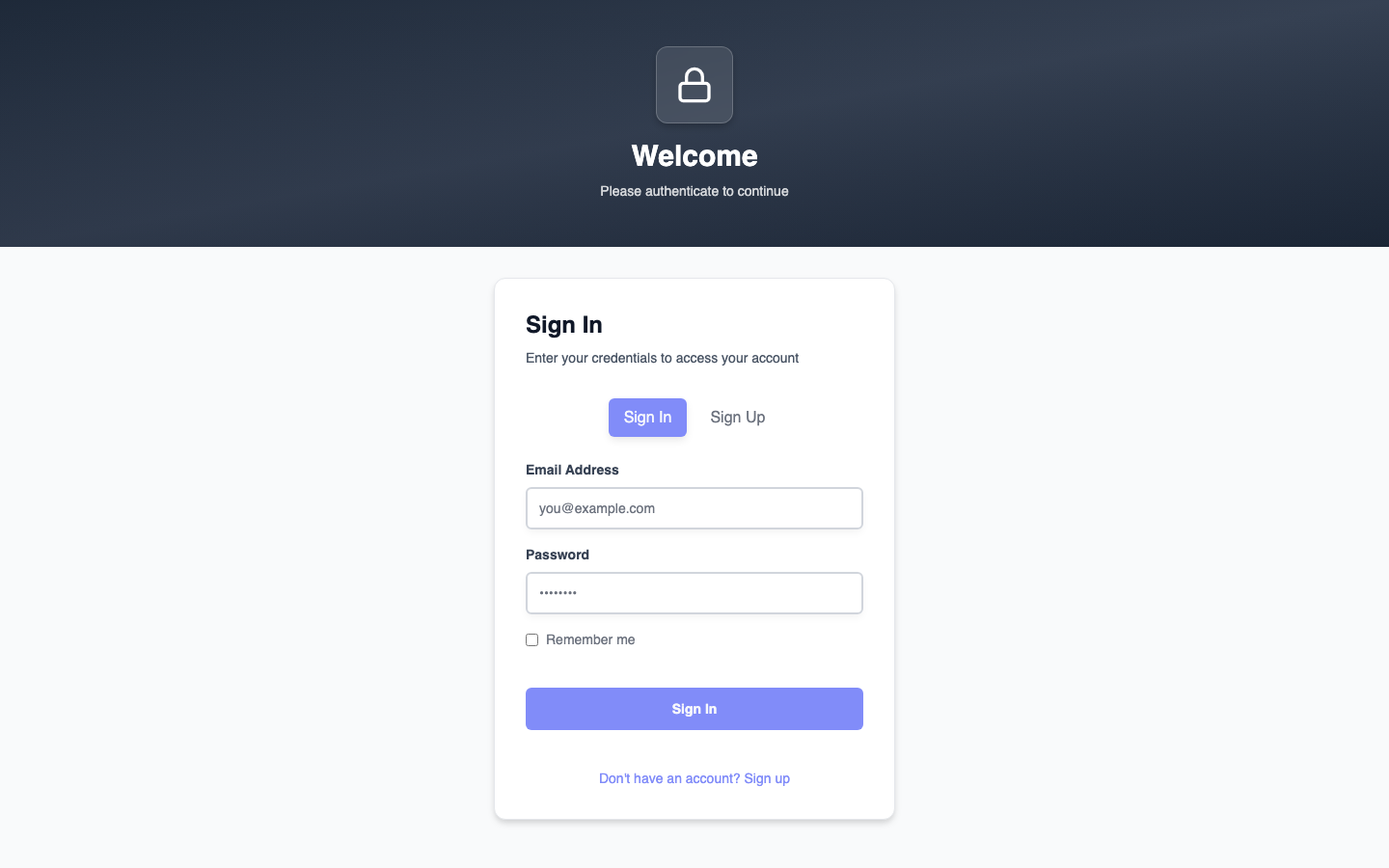
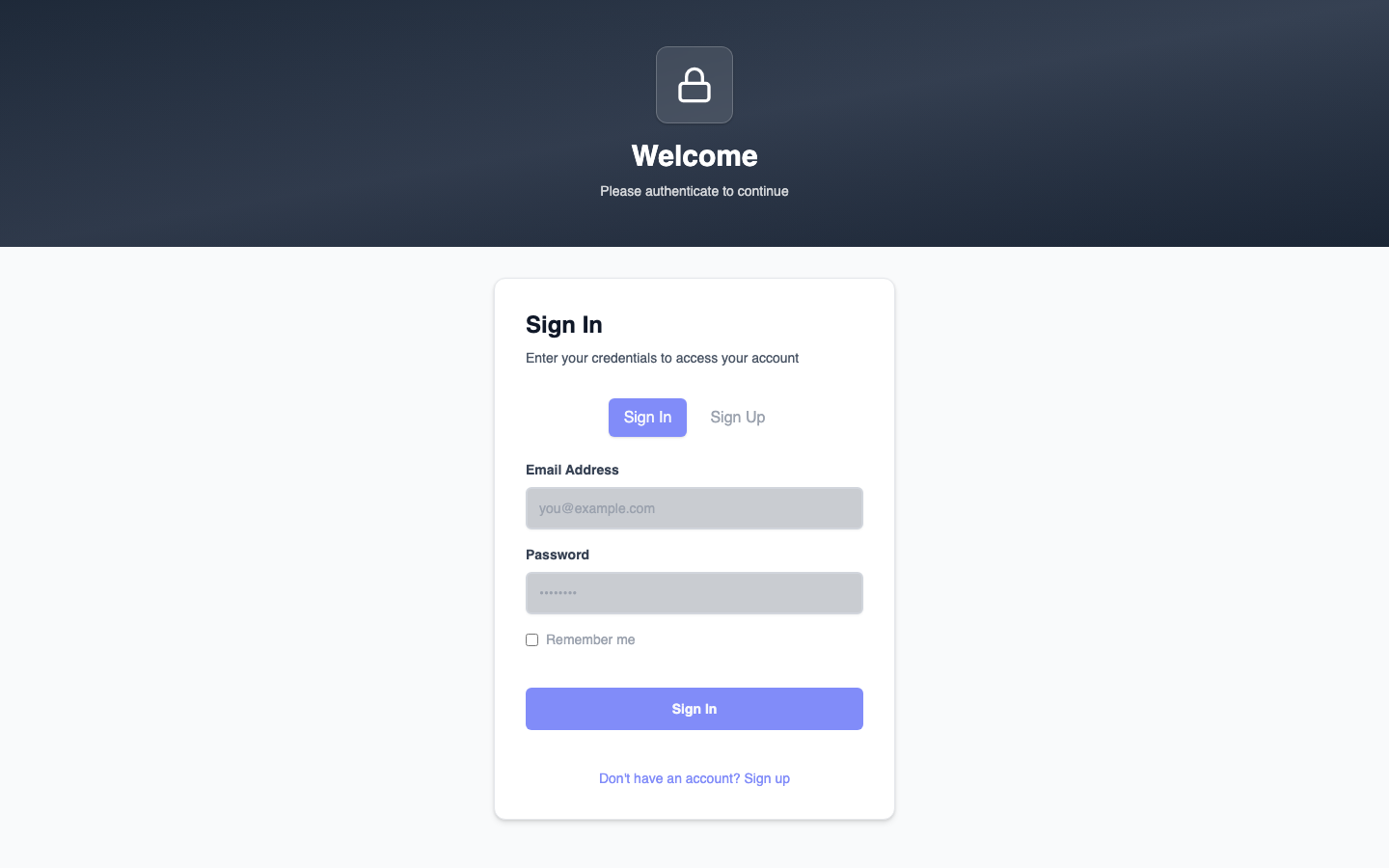
2. nexusID detects the right identity provider
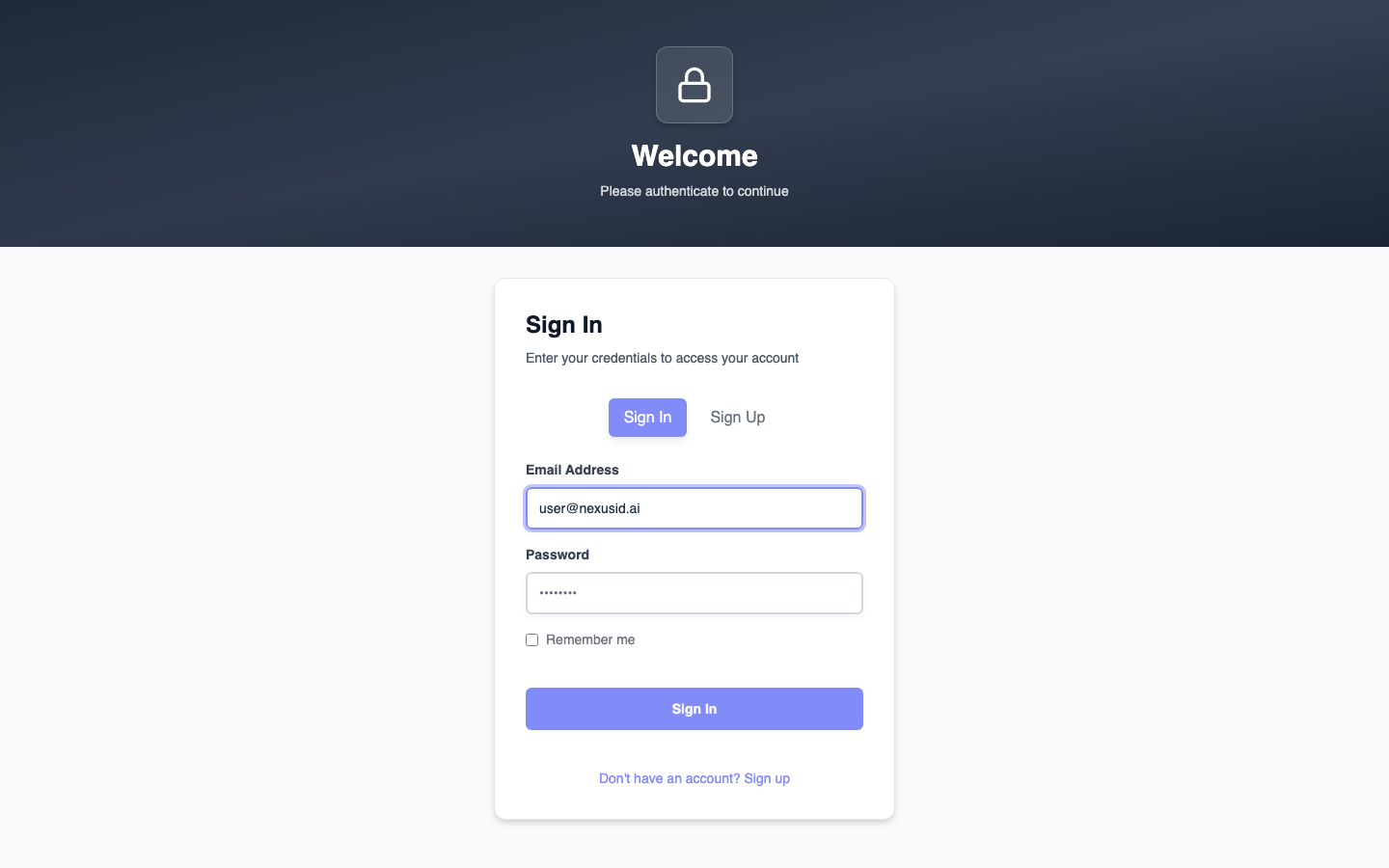
As the email is typed, nexusID looks up the domain and finds the matching identity provider — here,
user@nexusid.ai resolves to a federated IdP and the user is told where they'll be sent.
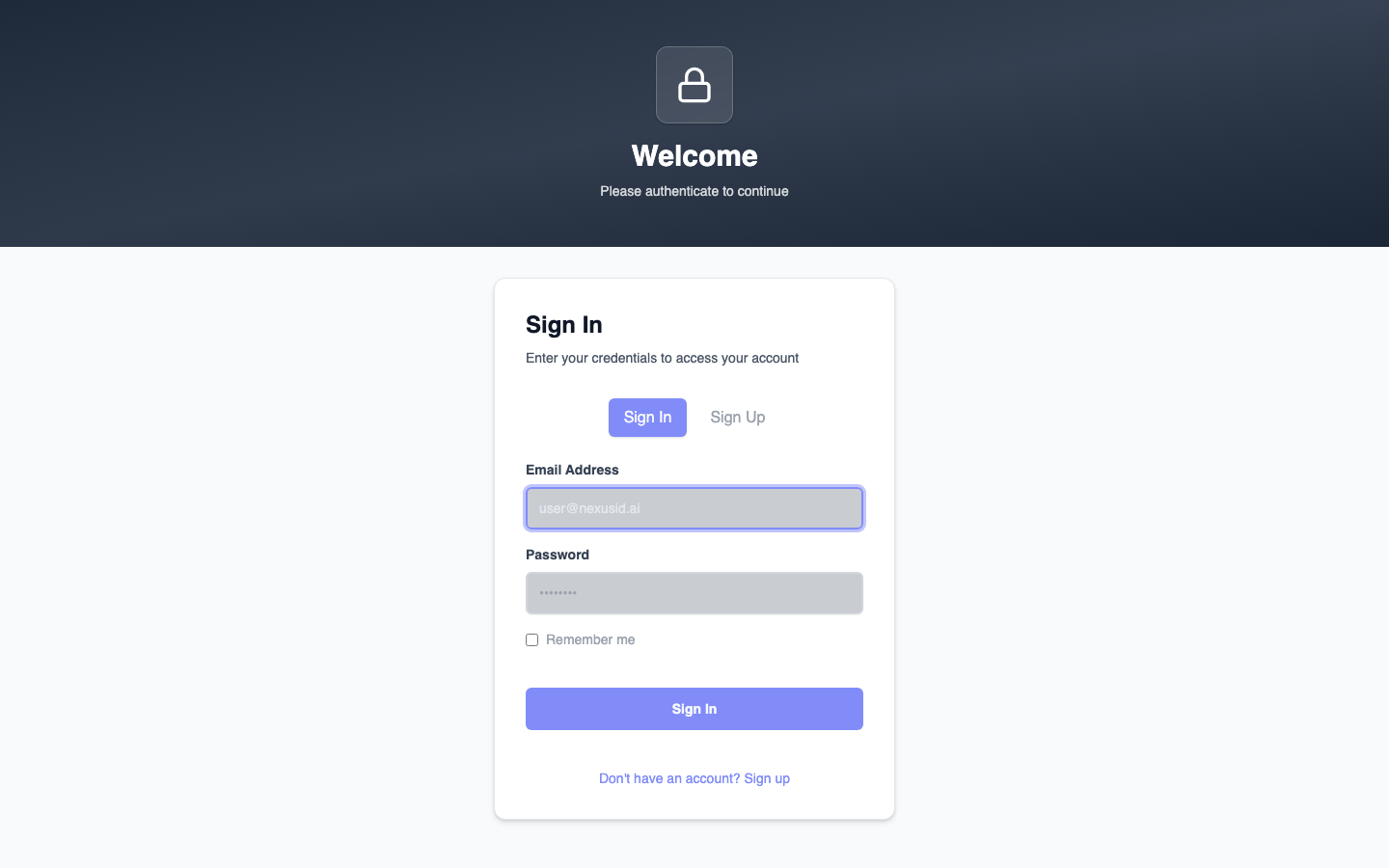
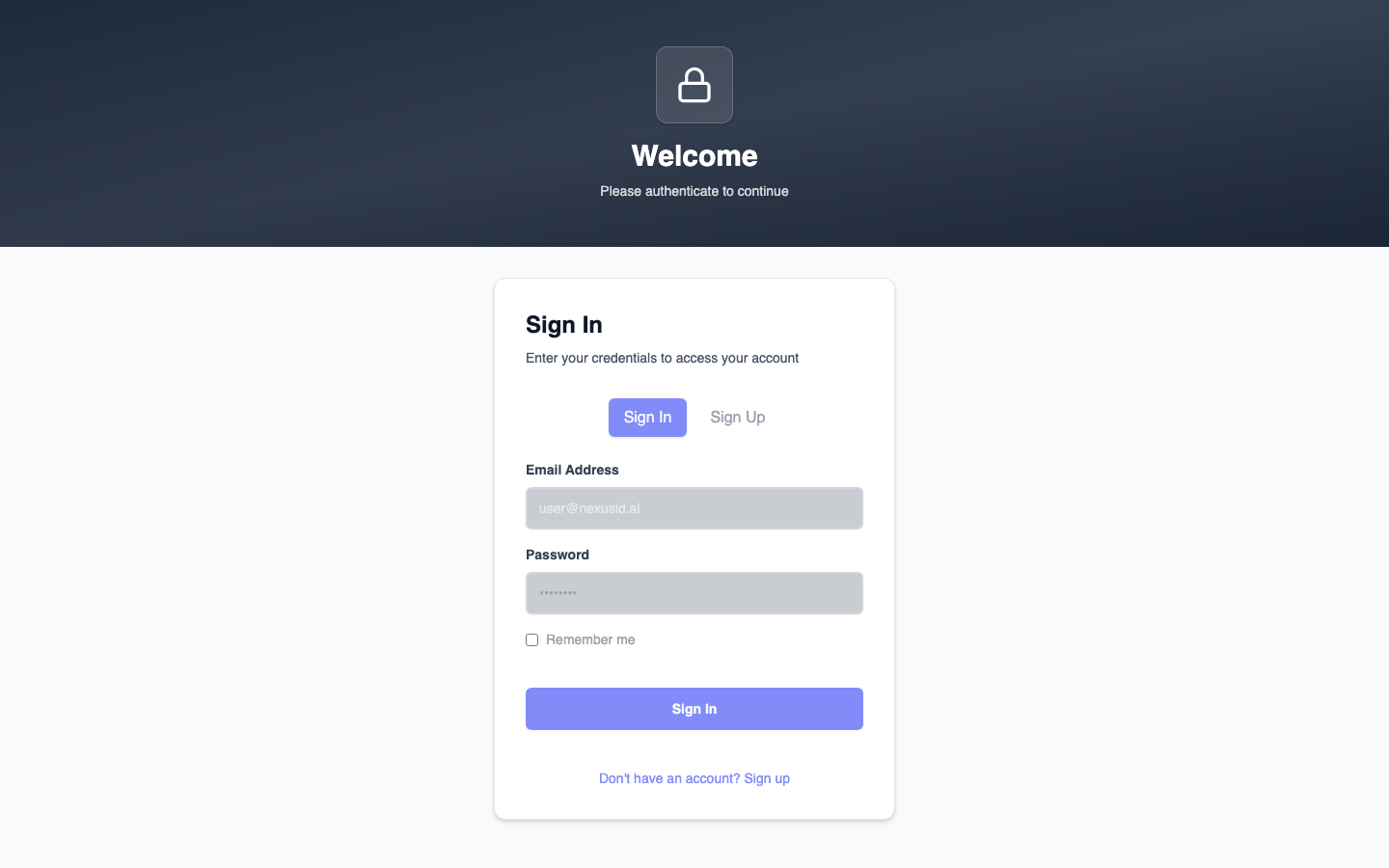
3. The user is routed to that provider to finish logging in
After continuing, the broker hands off to the identity provider for the actual password / MFA step, then brings the user back, signed in.
What you just saw
- One email box, no "which login do I use?" confusion.
- The broker routes by email domain to the correct identity provider automatically.
- Apps integrate once with nexusID; nexusID talks to all the identity providers.
Learn more: Domain Hinting · Federated IdPs · Authentication Flows