Roles — Guided Tour
A role is a named bundle of permissions — like "Help Desk" or "Read Only". Instead of granting powers to people one by one, you put the powers in a role and assign the role. It keeps access tidy and makes audits easy: "who can do this?" becomes "who has this role?".
Step-by-step
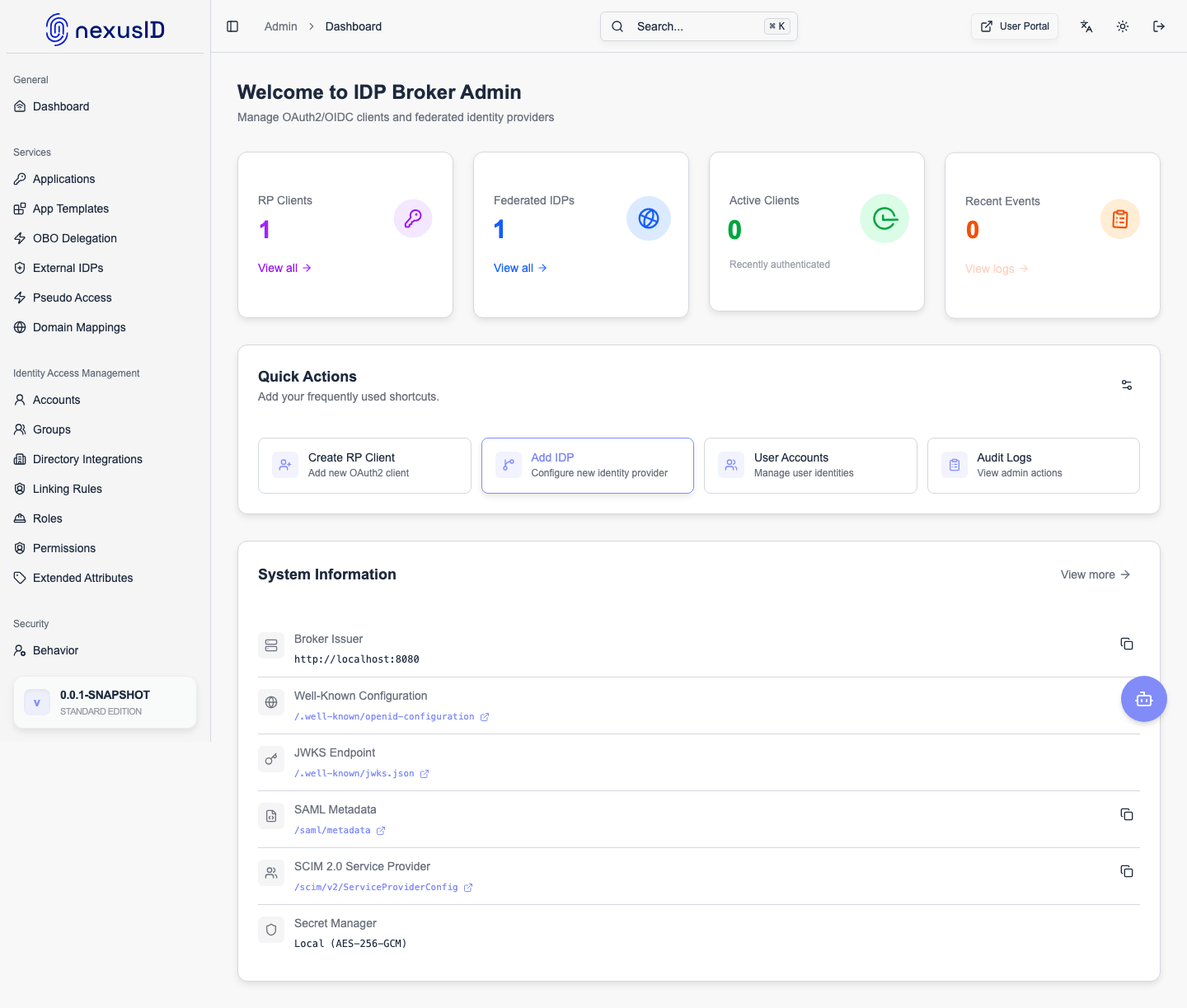
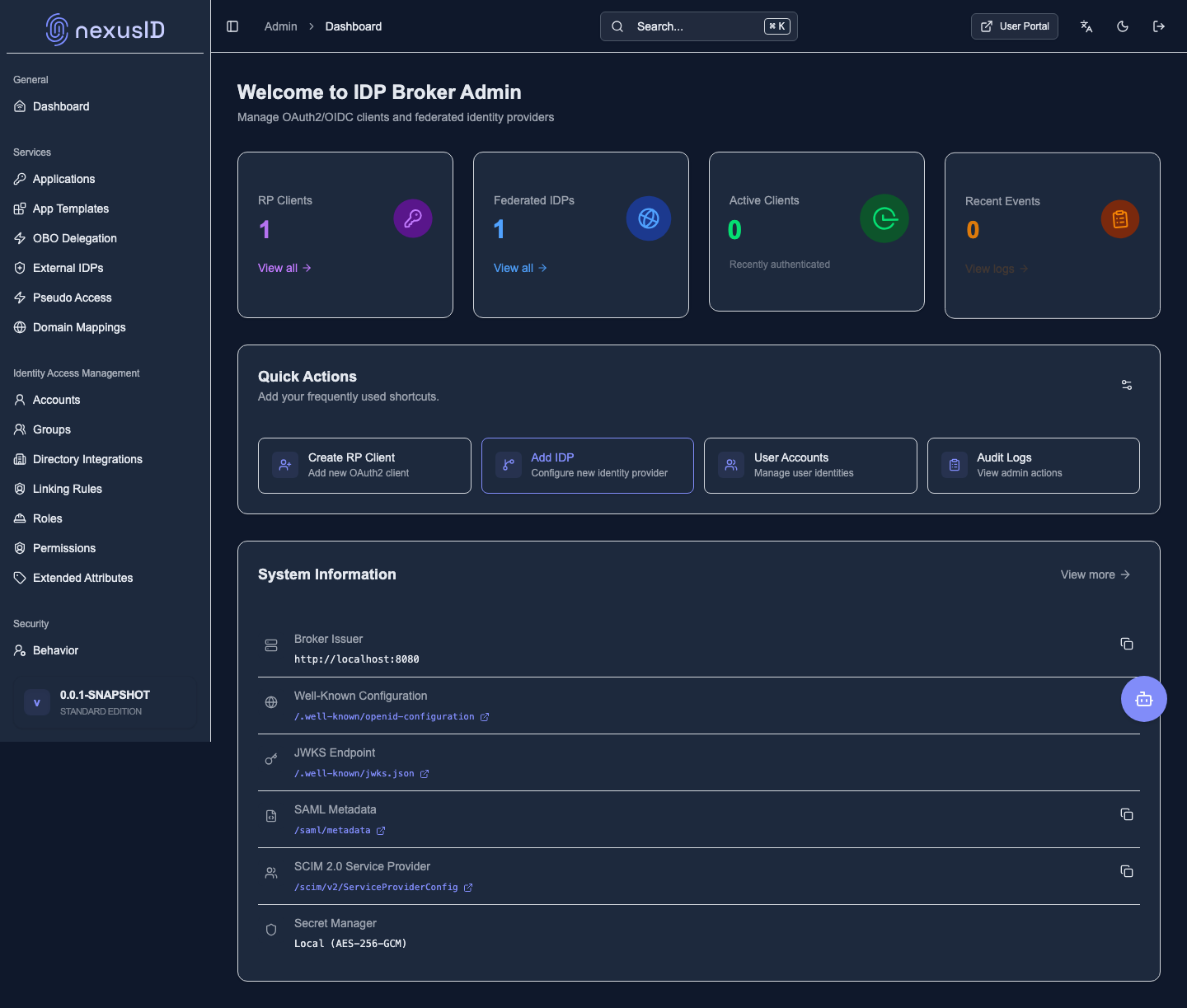
1. Sign in to the admin console
Admins sign in with email + password and a one-time MFA code, then land on the console.
2. Open Roles
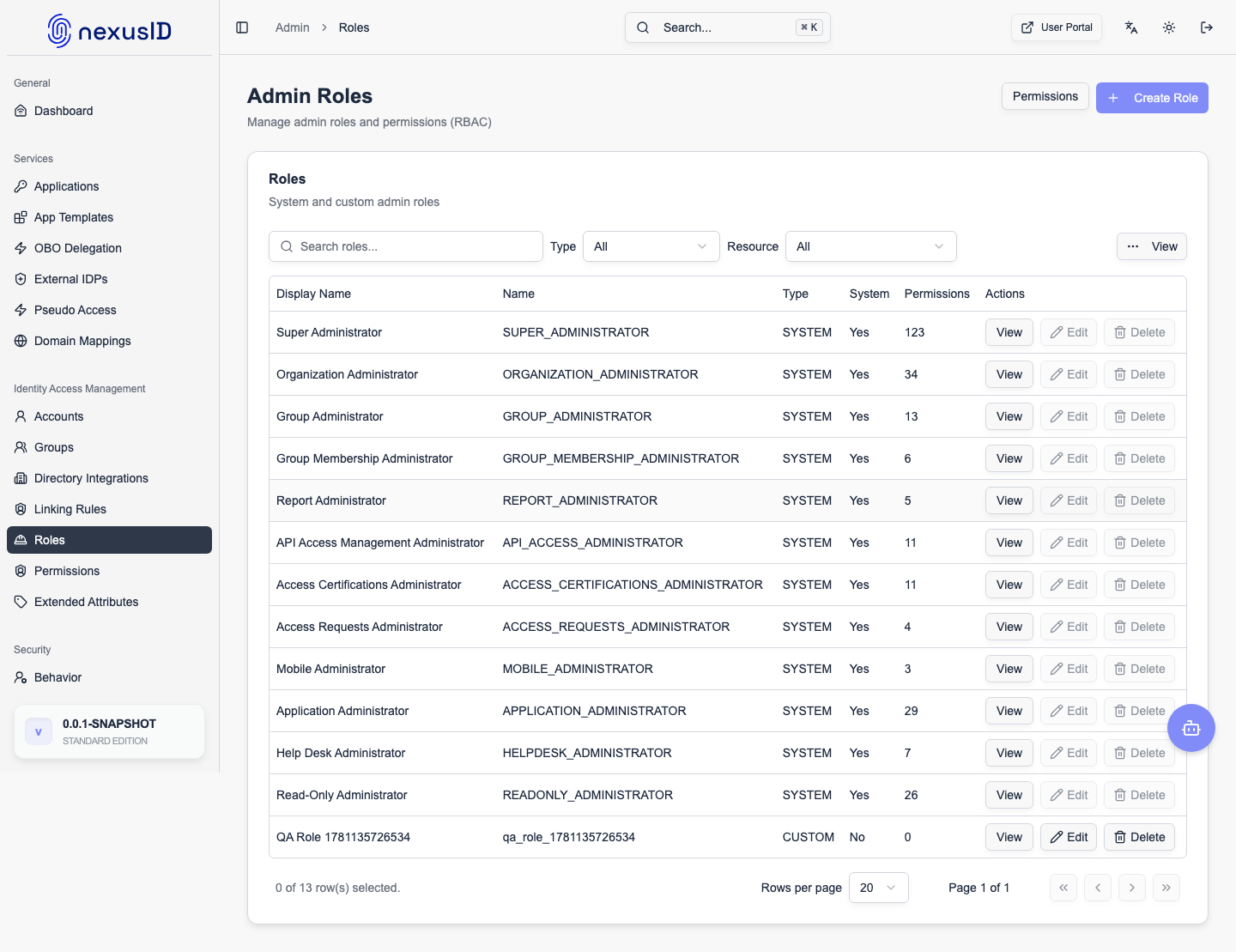
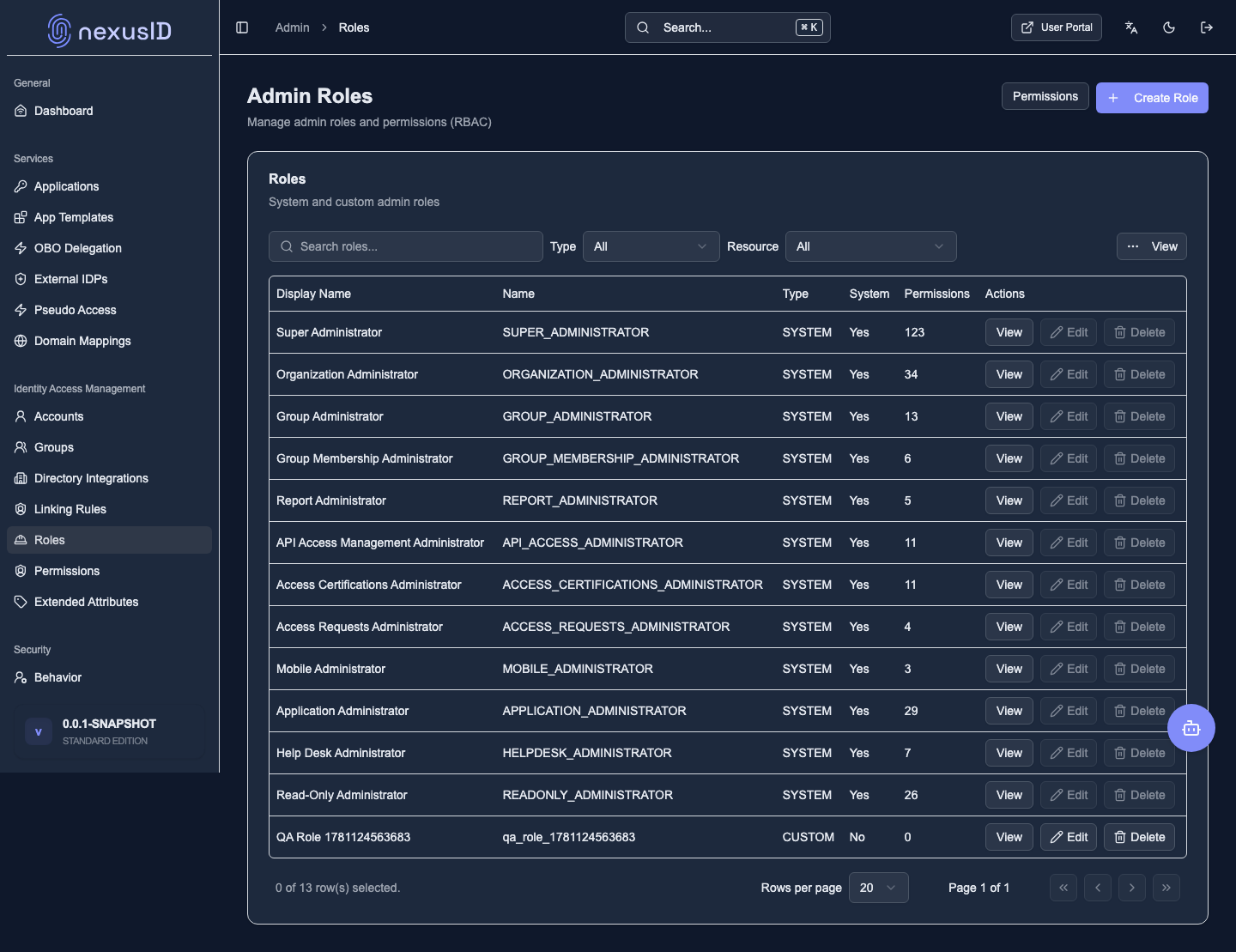
The Roles page lists the built-in roles (Super Admin, Help Desk, Read Only, App Admin) and any custom roles you've created.
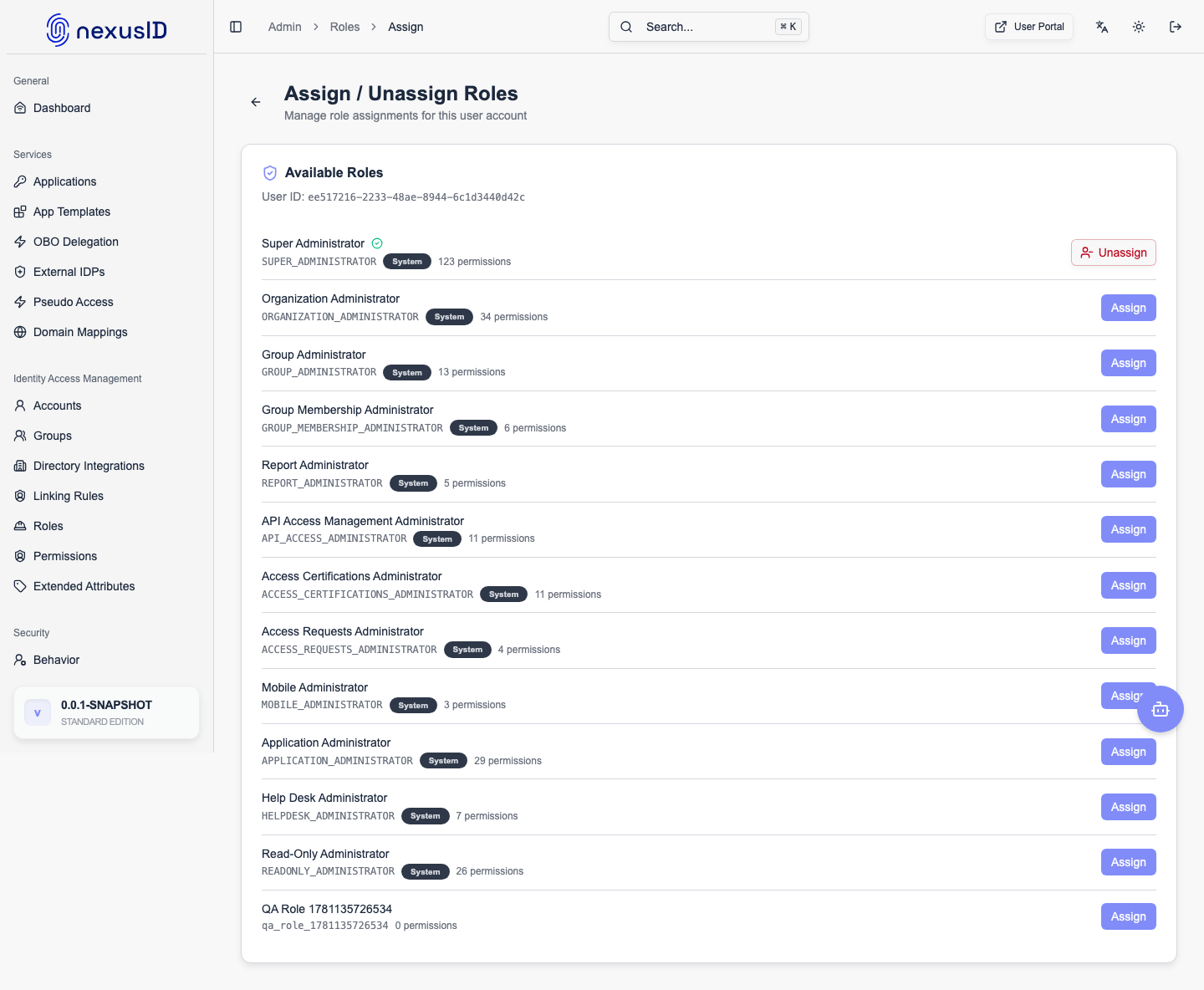
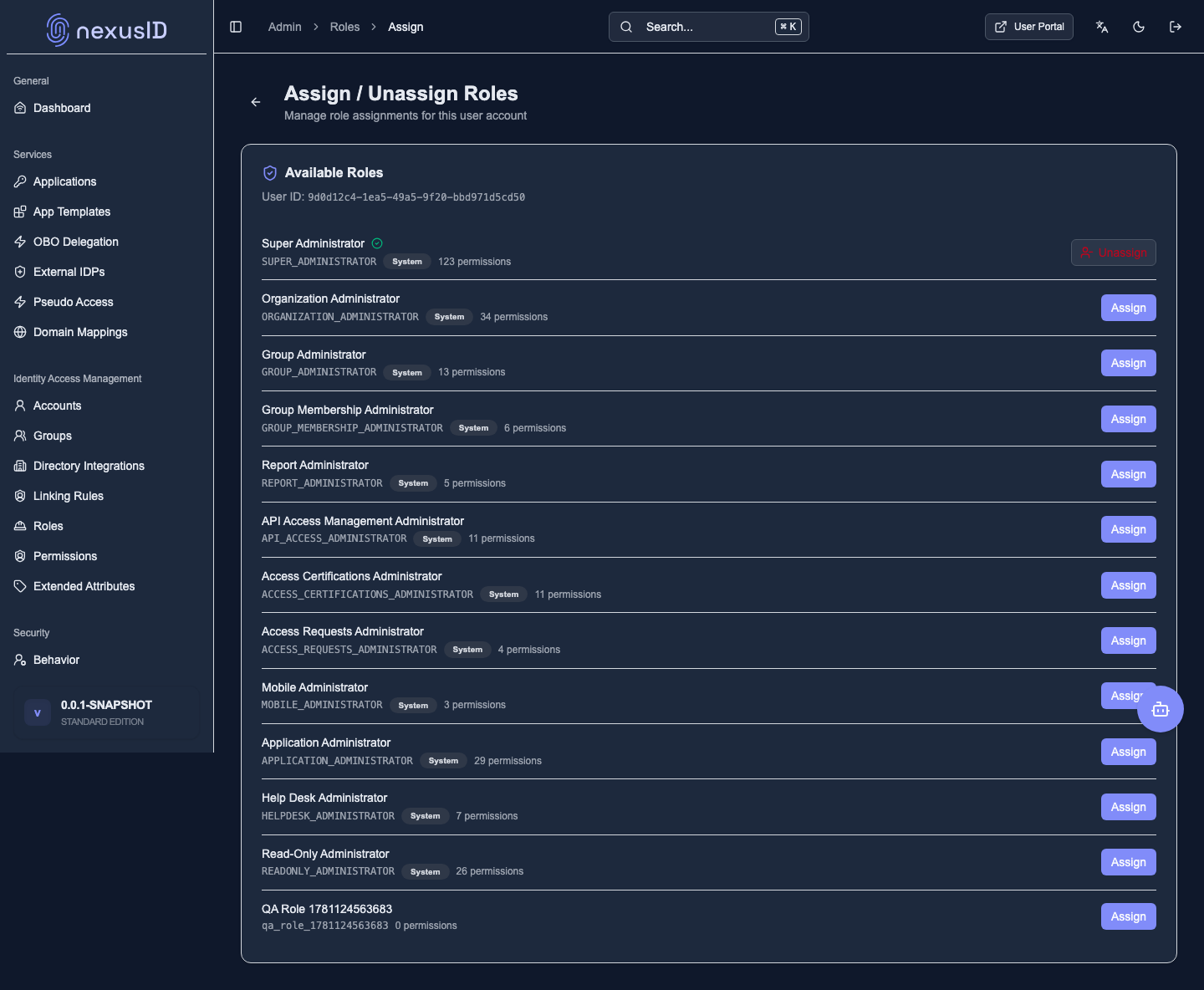
3. Assign a role to someone
Open a user's role assignment, and toggle a role on with Assign — that's the whole grant. No fiddly per-permission setup.
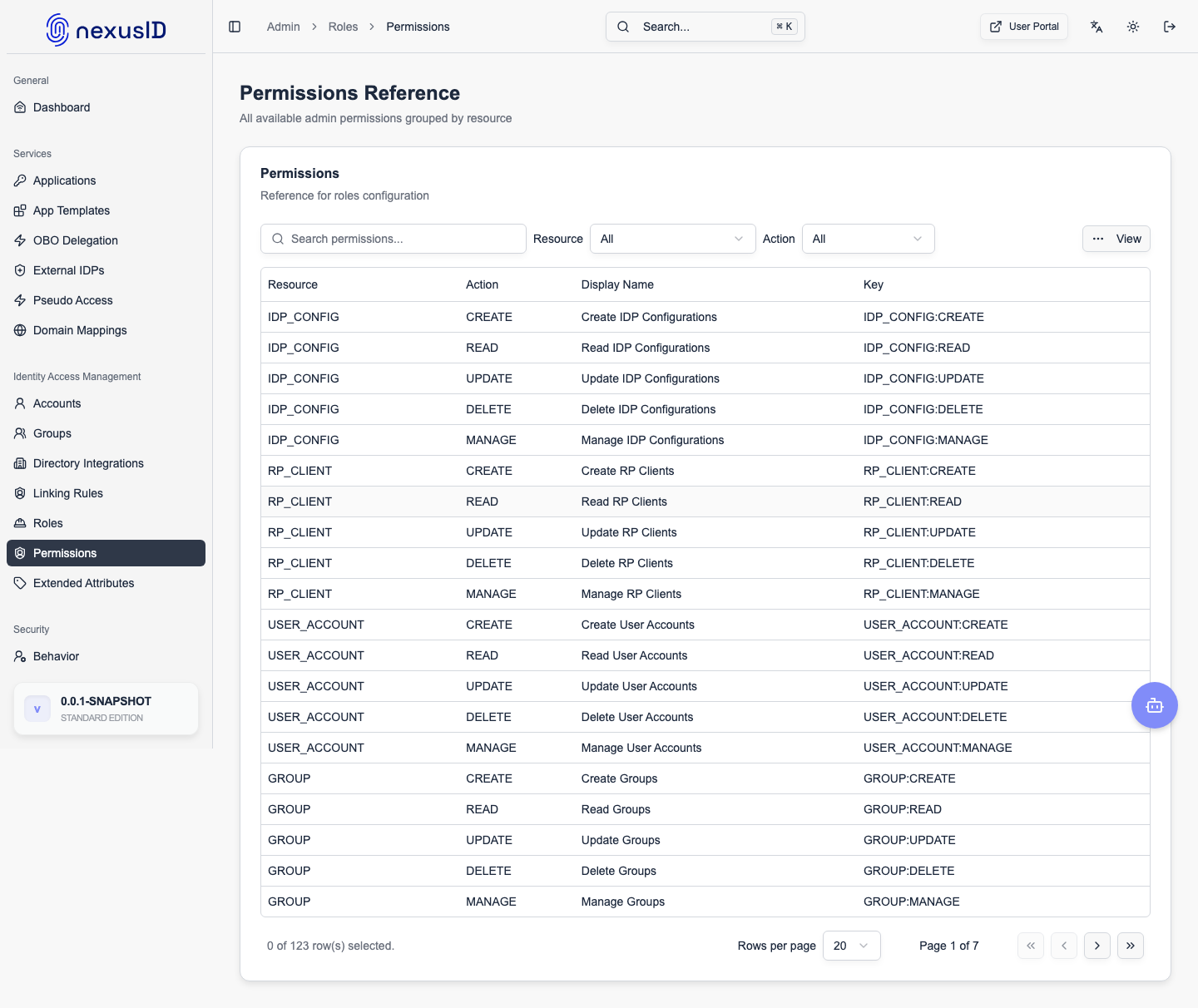
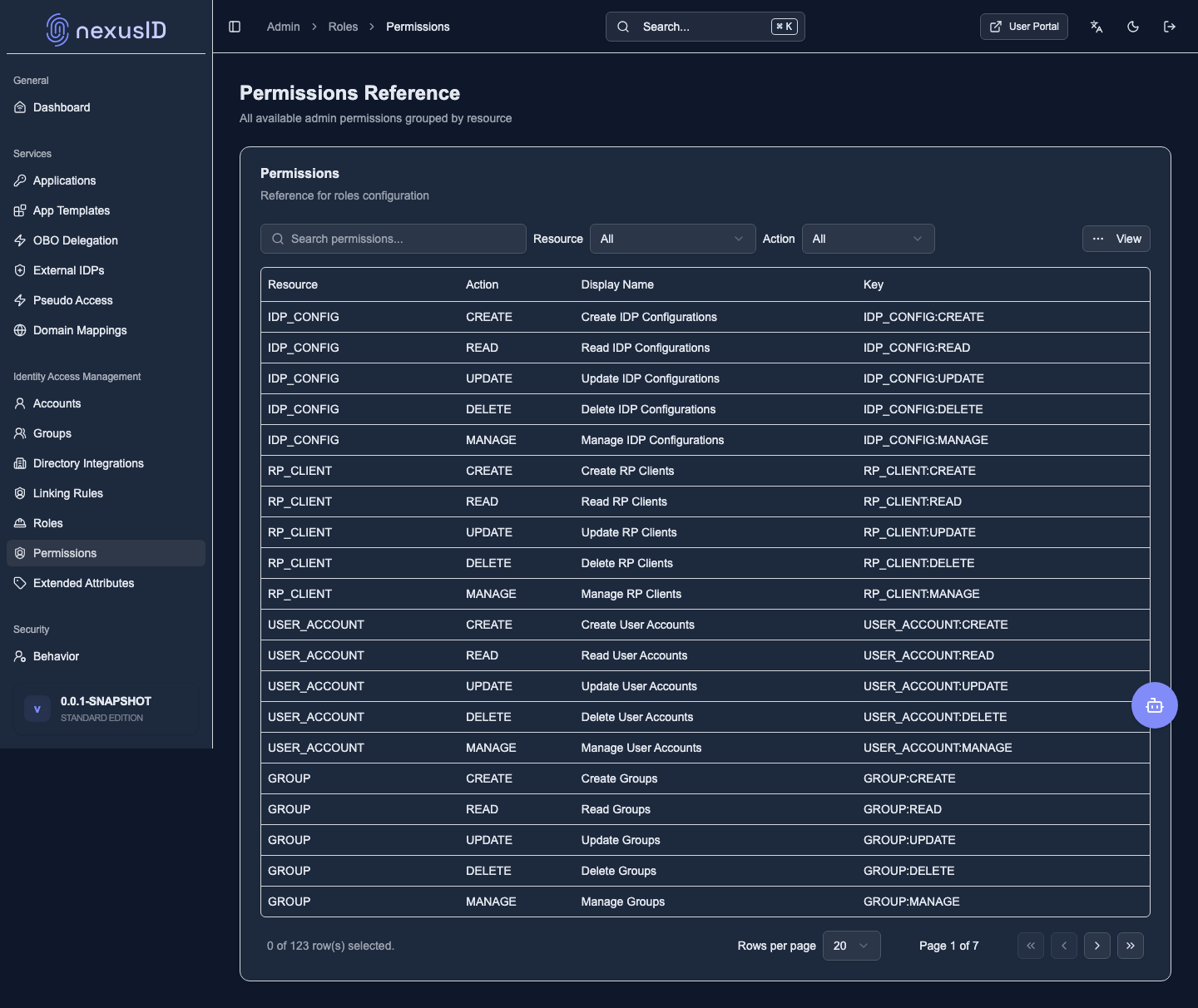
4. See exactly what a role can do
The permission matrix shows, in one grid, every permission a role includes — the source of truth for audits.
What you just saw
- Bundle permissions into roles; assign roles to people.
- Built-in roles cover common needs; custom roles match your delegation model.
- The matrix answers "who can do what" at a glance.
Learn more: Roles · Permissions · see enforcement in the RBAC tour